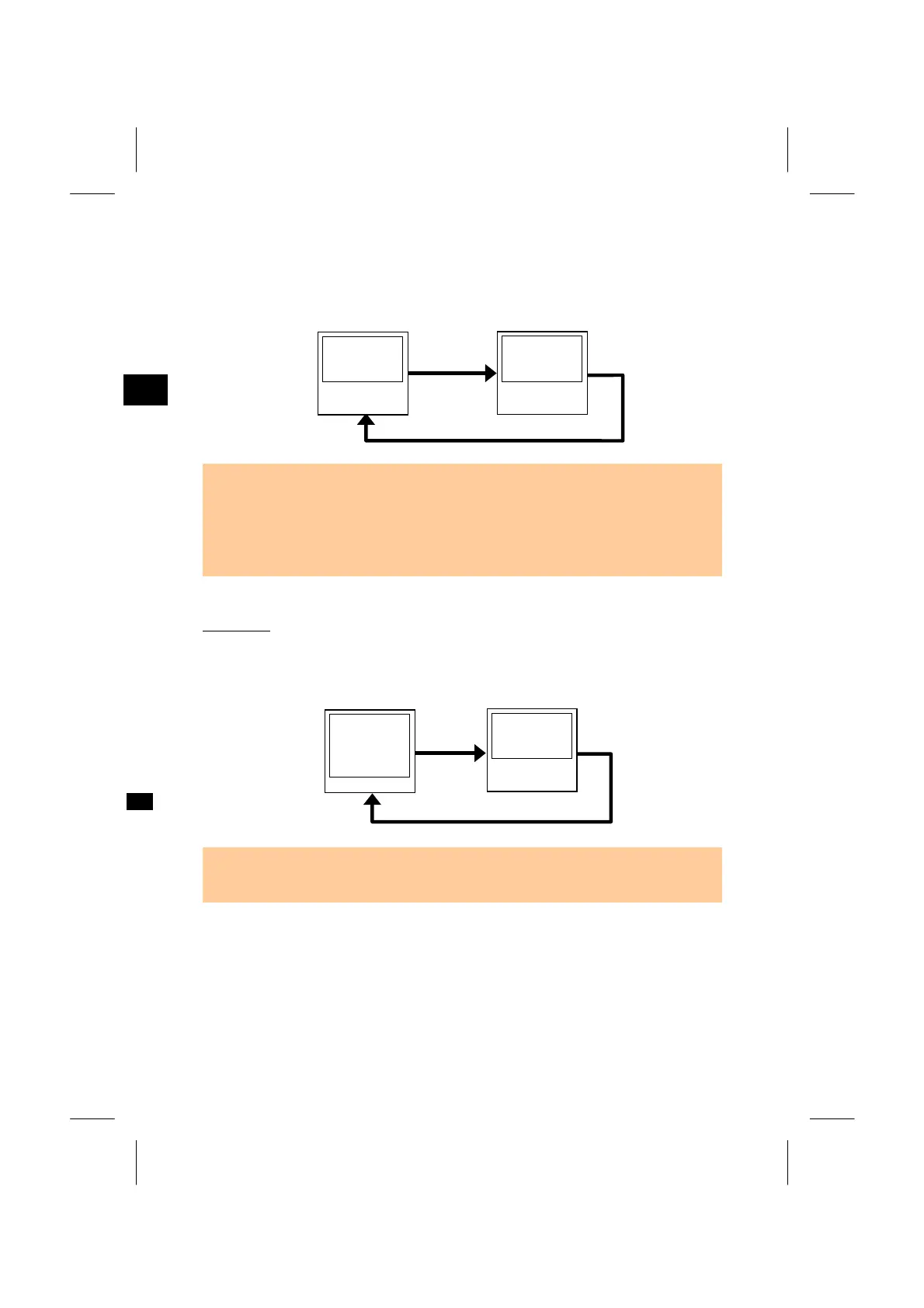
Pressing the [DSP] key switches the display in the following order when the
“Store DB” setting sets to “RAW+XYZ”.
2nd screen
X:
Y:
Z:
PT:
CD:
1st screen
HA:
VA:
SD:
PT:
HT:
3
MENU: 4. Data
• Coordinates are not available in F1/F2 records.
• When you take more than one measurement to the same point and select to
overwrite the XYZ data, the old raw record become 'raw data only'. As a result, onl
one SS(RAW) keeps its corresponding SS(XYZ). Other SS(RAW) records to the
same point no longer have coordinates available
ST records
This record type consists of “ST”, “HI”, “BS”, and “BS Az”. You can see its
coordinate by pressing the [DSP] key as well.
2nd screen
X:
Y:
Z:
PT:
CD:
1st screen
ST:
H I :
BS:
Z:
• When a new ST point number/name is assigned in STN/3:Quick Stn., the
coordinate of the Station will be recorded as (0, 0, 0).
3-105



 To Next Page