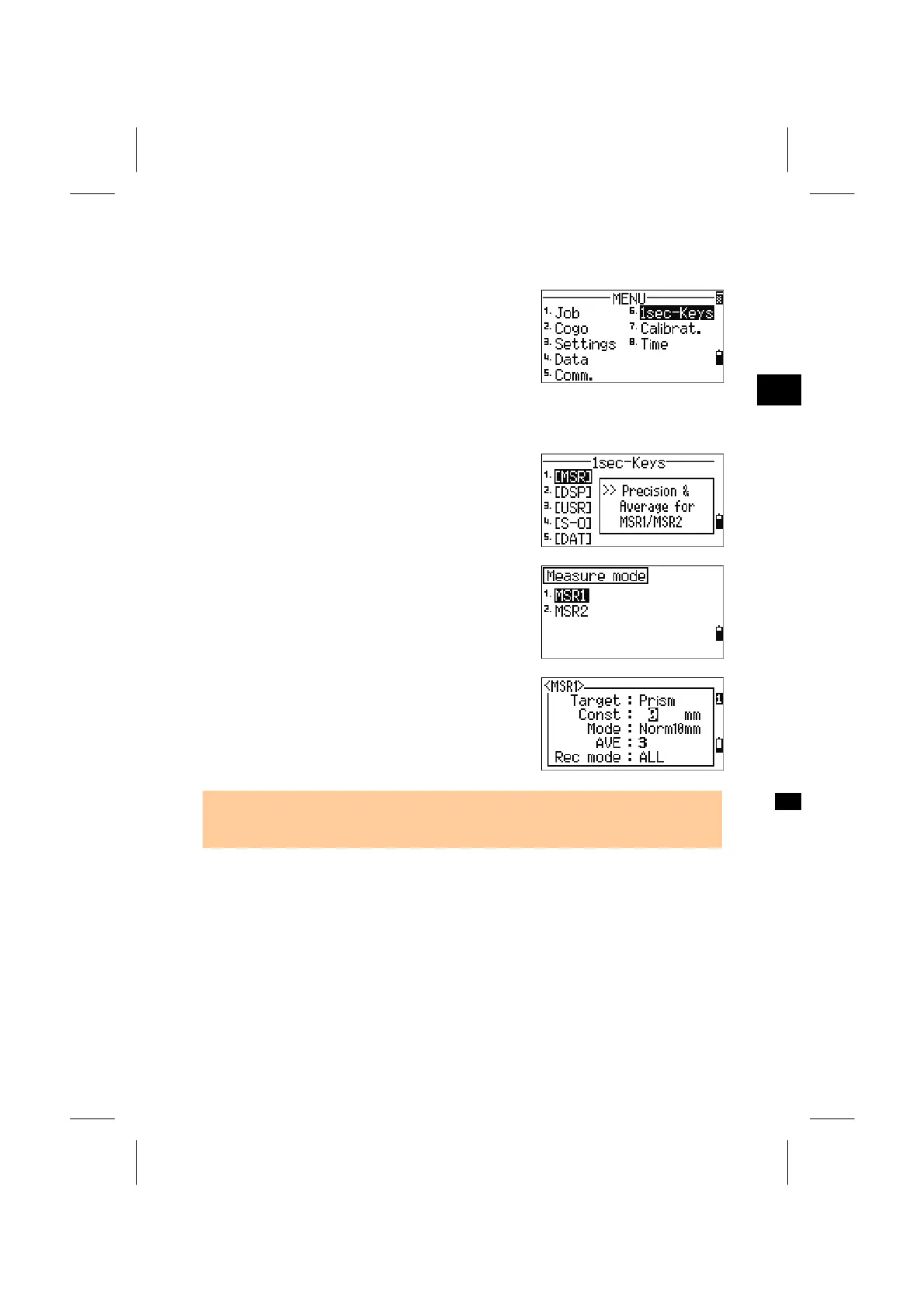
6. 1sec-Keys
Press the [6] key on the MENU screen to access the
settings in [MSR], [DSP], [USR], [S-O] and [DAT]
key.
3
MENU: 6. 1sec-Key
6-1. Settings in [MSR] Key
Press [1] to enter the MSR key settings.
There are two MSR keys. Each key keeps its
settings separately. Choose the key you wish to
view or change the settings of and press the [ENT].
Each MSR key has five settings.
You can input value by numeric keys in “Const
(Prism Constant)” and “AVE” field. In other fields,
use Left/Right arrow keys to change the settings.
• These settings screen can also be activated by holding the [MSR1] or [MSR2] key
down for one second.
3-128



 To Next Page