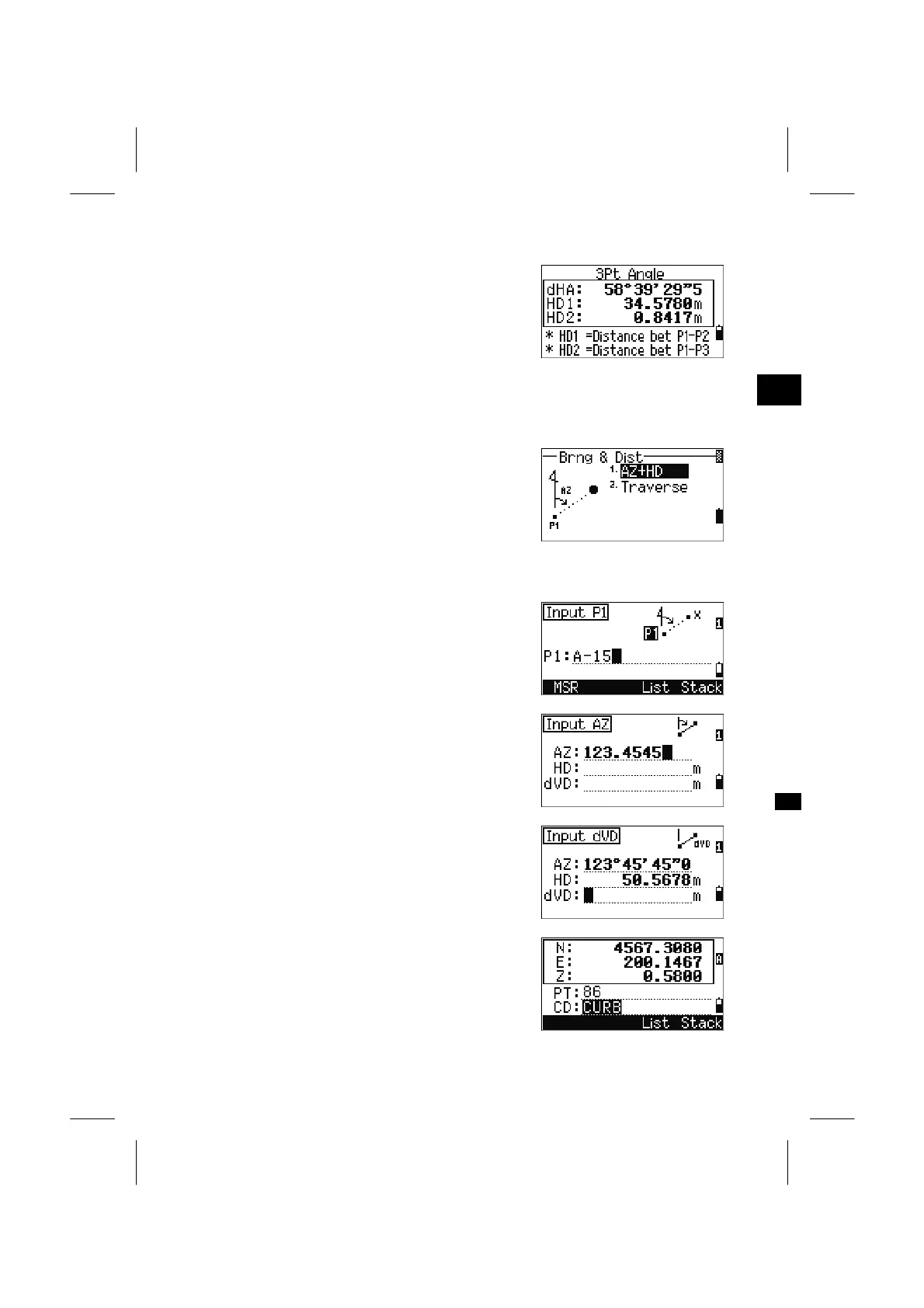
When three points are input, the included angle and
distances are to be calculated.
Press [ENT] to return to the Inverse menu.
Press [ESC] to return to the “Input Base Point”
screen.
3
MENU: 2. Cogo
2-2. Bearings & Distances
Calculating Coordinates from Angle and Distance
There are two functions in Bearings and Distances
menu to calculate new points.
2-2-1. Azimuth+HD input
Input the base point (P1). Type the point name and
press the [ENT] key.
Input the azimuth, horizontal distance, and vertical
distance and then press the [ENT] key.
To input 123°45’45”, type 123.4545 and press the
[ENT] key.
When “dVD” is left blank, it is assumed to be
0.0000.
The Recording point screen with the calculated
coordinates is displayed. PT is defaulted to the
“Last recorded PT+1”.
Press the [ENT] key to store the point.
3-92



 To Next Page