3
Bubble
8) Level
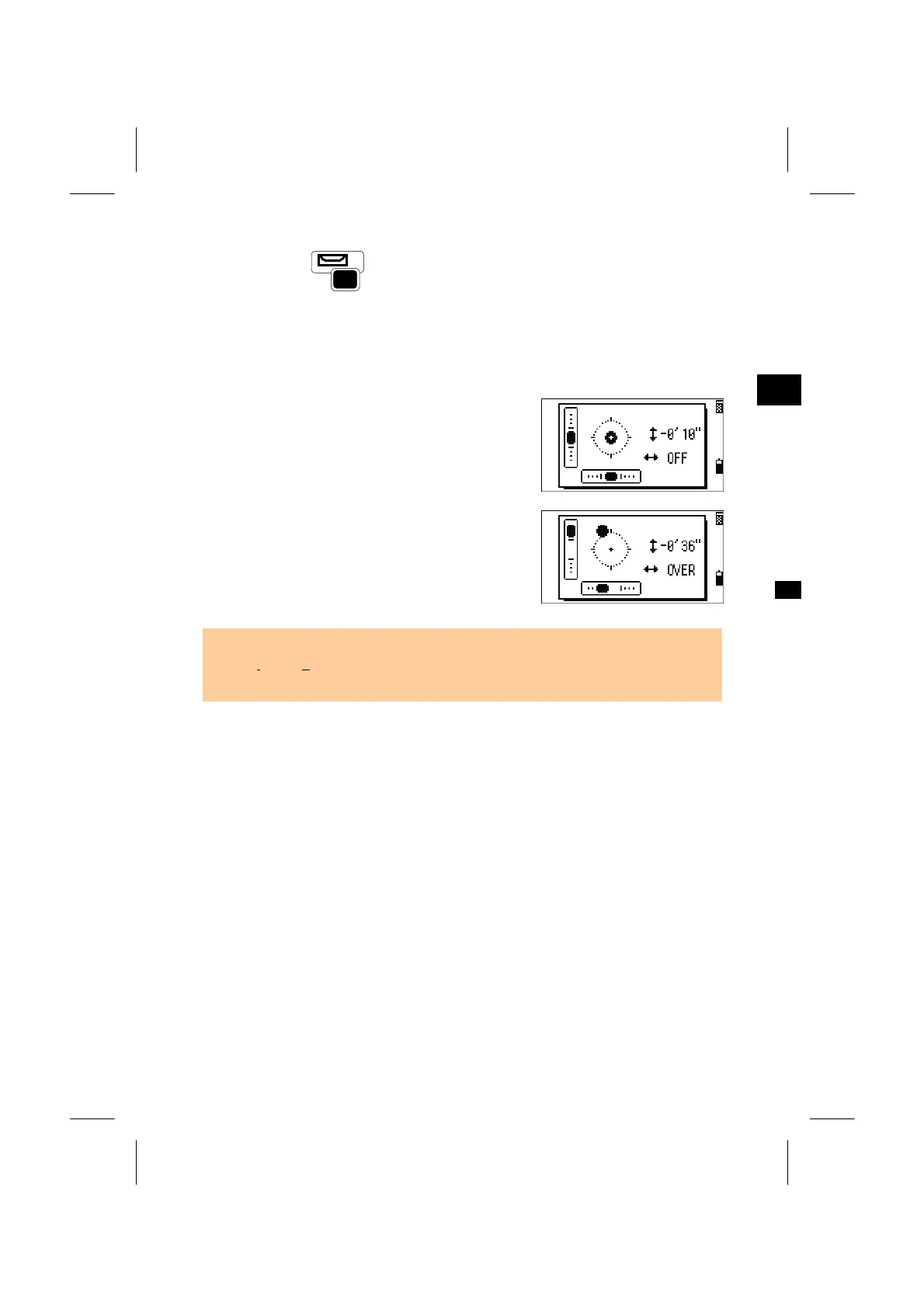
The Bubble indication is displayed automatically if the instrument goes out of level
while the compensators are turned on. It can be activated by the Bubble key while
you are in an observation screen .
Press Right/Left arrow keys to turn the leveling
compensators on or off.
“OFF” means that the compensation is set to off.
When the instrument is out of level (more than
±3’30”), “OVER” is shown.
Press the [ESC] or [ENT] key to return to the
observation screen.
*/=
0
• The current setting of leveling compensators is indicated by Header characters (“:”,
“#”, “
:”, and “#”) after headers (HA, VA, SD, HD, etc.) in observation screens. (See
p.3-24).
3-30



 To Next Page