3
PW
3-3. Getting Started
PW
1) Turn On the Instrument
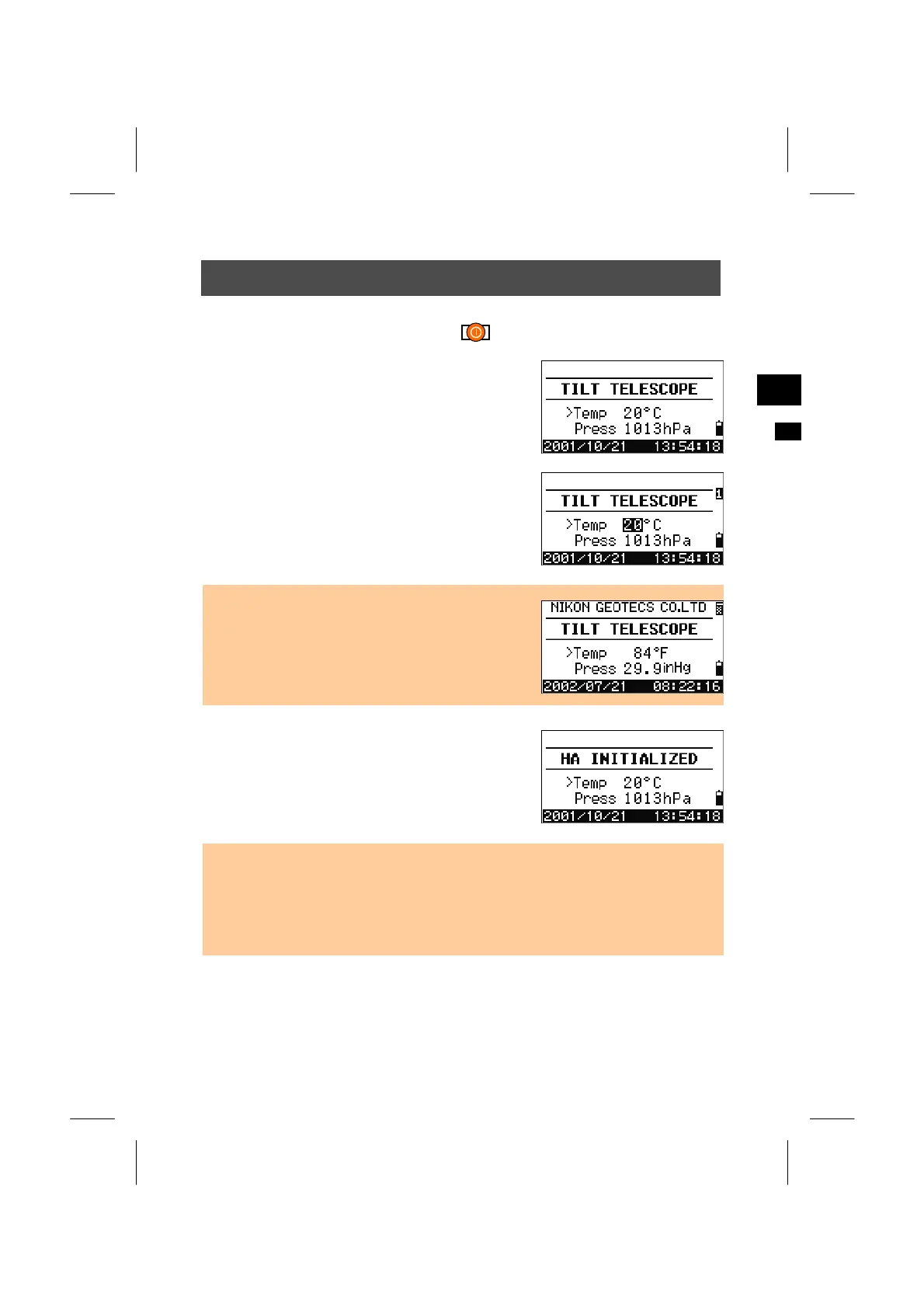
Press the [PWR] key to turn on the instrument. The
start-up screen is displayed. Current Temperature
and Pressure are also shown.
The value can be changed by pressing the [ENT]
key. Use the up/down arrow keys to move the
cursor between “Temp” and “Press”. Tilt the
telescope until it passes the horizontal position on
Face1.
• “Owner’s detail” is also available in [MENU] →
[3.Settings] → [9.Others]. Once it is set, you can
see the text on the start-up screen. (See p.3-103)
Rotating the alidade before tilting the telescope
initializes the Horizontal angle.
• Once you start to use an initialized HA, you need to rotate HA every time you turn on
the instrument. By doing so, you will be able to maintain a fixed HA orientation even
if the instrument has moved during Power OFF.
• When the telescope is tilted before rotating HA, the horizontal angle is not
initialized. In this case, the last HA reading before Power OFF is resumed.
3-18



 To Next Page