3
PW
2) Turn Off the Instrument
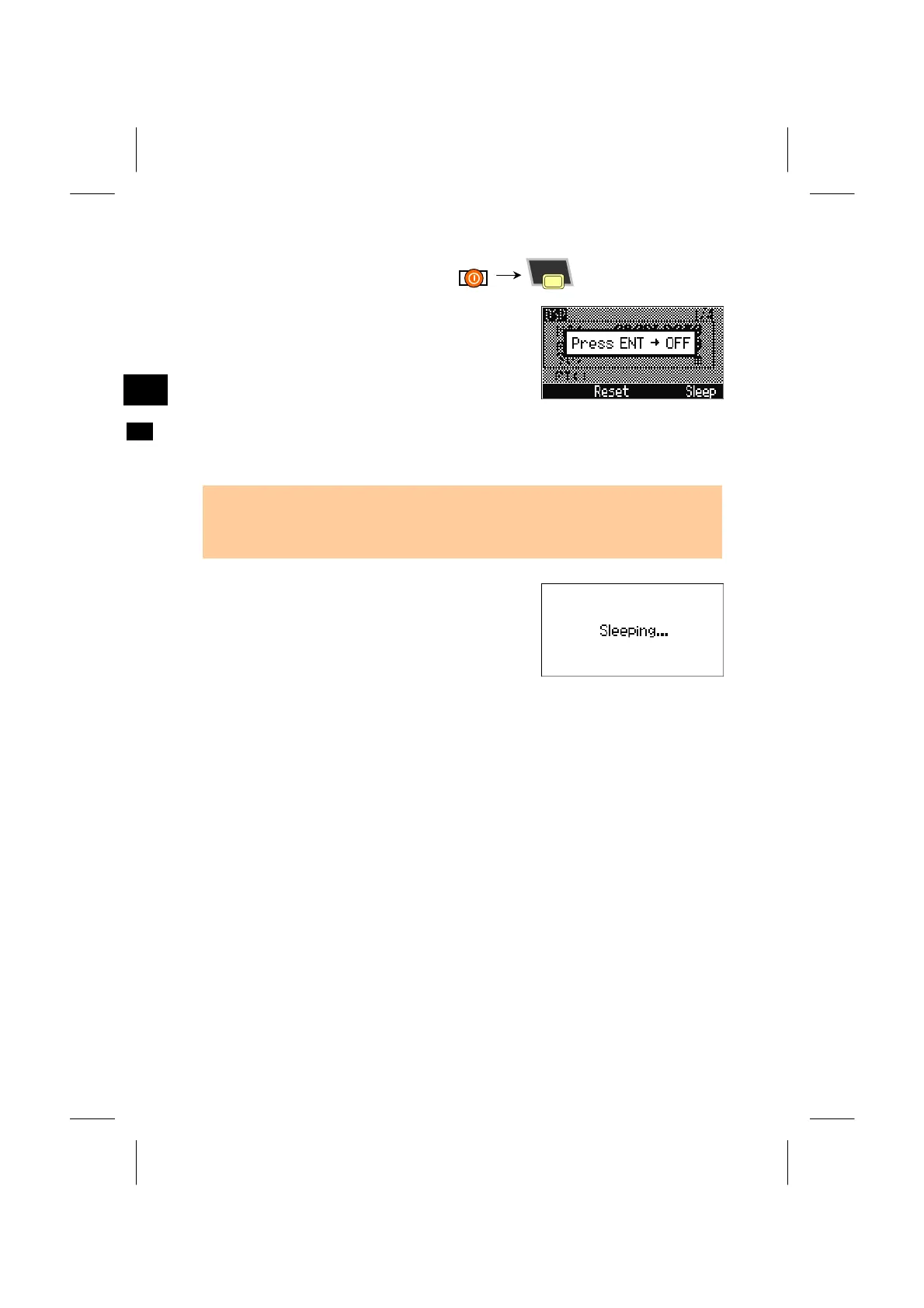
Press the [PWR] and [ENT] keys to turn the
instrument off.
[Reset]=reboots the program and re-starts.
[Sleep]=puts the instrument into a power-saving mode.
[ESC]=cancels the power-off process and returns to the previous screen.
RE
ENT
• When the [Reset] softkey is pressed at turning off the instrument, the software is
rebooted and the Basic Measurement Screen (BMS) is displayed without an open
JOB.
PW
“Sleep mode” is automatically activated based on
the Power Save setting (see p.3-99) or when the
[Sleep] softkey is selected from the “Press ENT →
OFF” screen.
Pressing any key, receiving a remote control
command, rotating the HA or tilting the telescope
will wake up the instrument.
3-19



 To Next Page