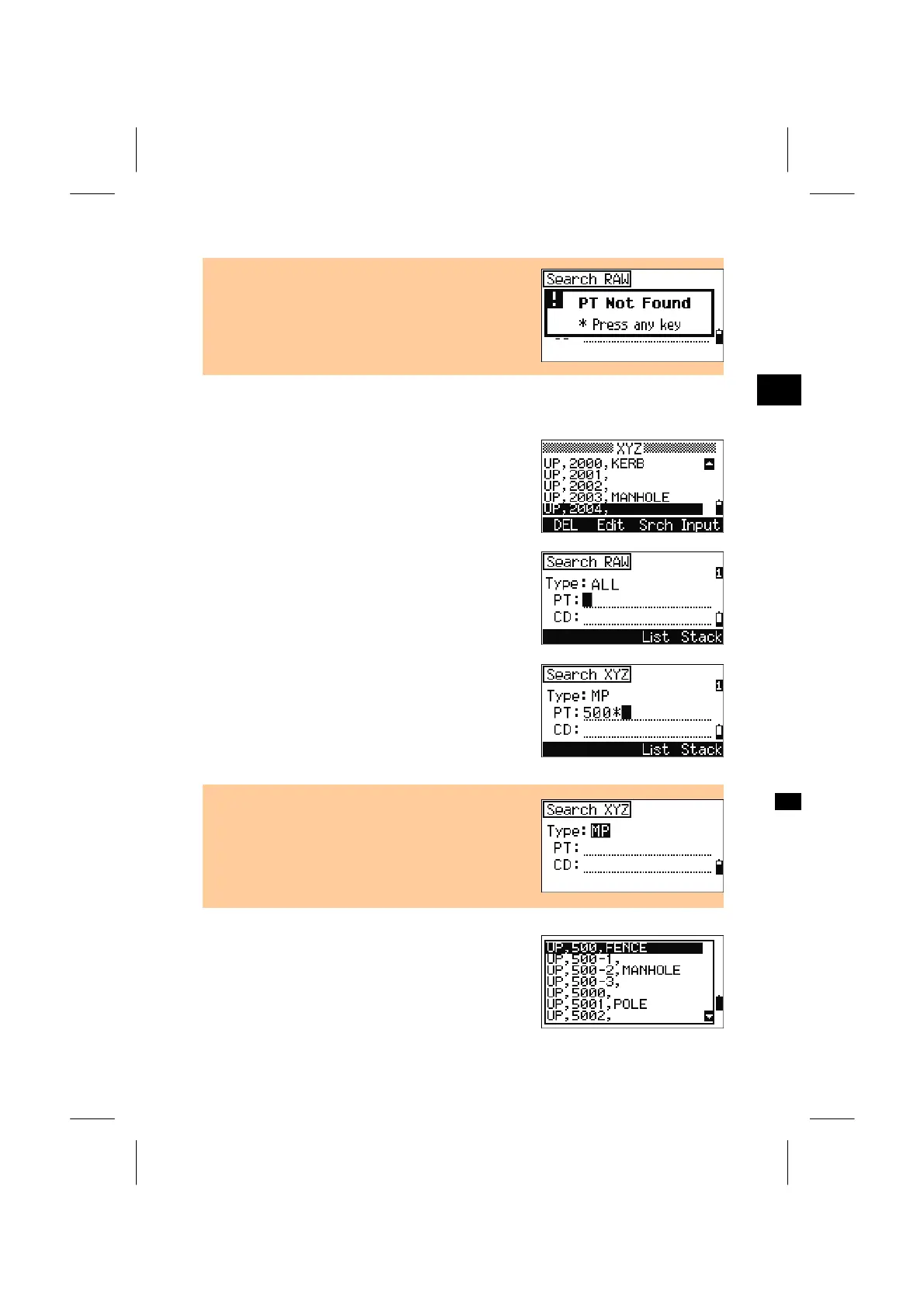
• When no point matches the specified criteria, an
error screen is displayed. Press any key to return
to the list of data screen.
3
MENU: 4. Data
4-4-2. Search from Coordinate record
Press the [Srch] softkey to activate the XYZ data
search function.
If you want to find the point by PT name, type in the
name and press the [ENT] key twice to start search.
Input PT and/or CD. The asterisk (
*) can be used as
a wildcard. For example, when you input “500*” in
PT field, 500, 500-1, 500-A, 5000, 5001 …etc. can
be found and listed in the window.
• Search can be done by the point type. Place the
cursor on “Type” field and use the Right/Left arrow
keys to toggle items among ALL/MP/UP/ CC/RE.
When several points match the specified criteria,
they are shown in a list.
Select a point from the list using the Up/Down
arrow keys and press [ENT].
3-116



 To Next Page