3
Key Summary Details
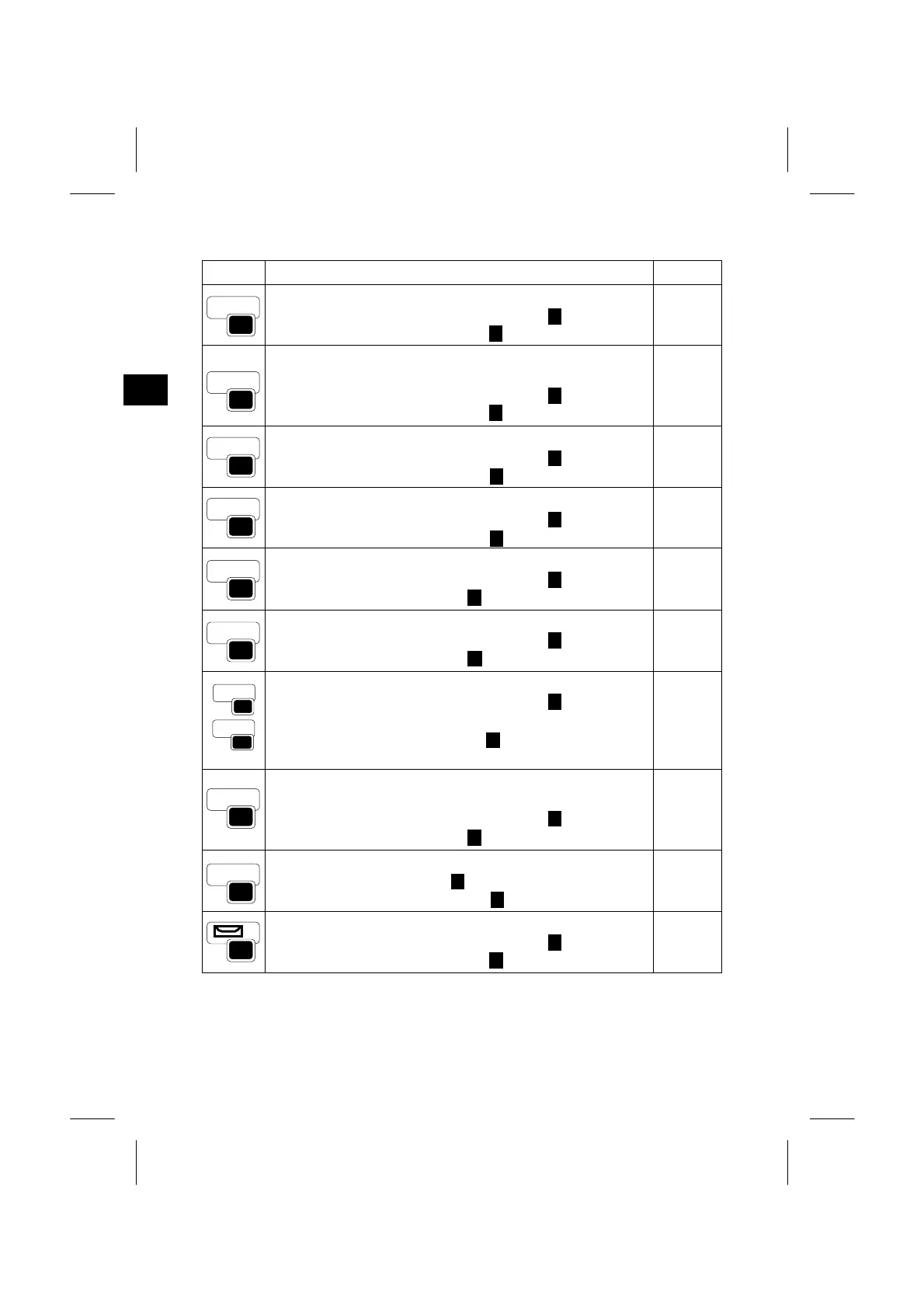
Displays the Station setup menu.
When the cursor is in numeric input mode ( ), enters 7.
In the alpha-numeric input mode ( ), enters A, B, C, 7.
p.3-35
Displays the Stakeout menu.
Holding the key for a second shows S-O related settings.
When the cursor is in numeric input mode ( ), enters 8.
In the alpha-numeric input mode ( ), enters D, E, F, 8.
p.3-46
Displays the offset point measuring menu.
When the cursor is in numeric input mode ( ), enters 9.
In the alpha-numeric input mode ( ), enters G, H, I, 9.
p.3-70
Displays the additional measuring Programs menu.
When the cursor is in numeric input mode ( ), enters 4.
In the alpha-numeric input mode ( ), enters J, K, L, 4.
p.3-55
Turns the Lumi-guide ON and OFF.
When the cursor is in numeric input mode ( ), enters 5.
In alpha-numeric input mode ( ), enters M, N, O, 5.
p.3-31
Display RAW/XYZ or STN data depending on your setting.
When the cursor is in numeric input mode ( ), enters 6.
In alpha-numeric input mode ( ), enters P, Q, R, 6.
p.3-84
Execute any measuring function assigned to the USR key.
When the cursor is in numeric input mode ( ), enters “1”
by USR-1 key and “2” by USR-2 key.
In the alpha-numeric input mode ( ), enters “S, T, U, 1” by
USR-1 key and “V, W, X, 2” by USR2-key .
p.3-82
Opens a window for CD input. The last used CD is shown as
the default for editing.
When the cursor is in numeric input mode ( ), enters 3.
In alpha-numeric input mode ( ), enters Y, Z, (space), 3.
p.3-27
Displays the HOT menu.
In the numeric input mode ( ), enters 5.
In the alpha-numeric input mode ( ), enters M, N, O, 5.
p.3-28
BC
STN
7
1
DEF
S-O
8
1
GHI
O/S
9
1
JKL
PRG
1
MNO
LG
1
Displays the Bubble indication.
When the cursor is in numeric input mode ( ), enters “0”
In the alpha-numeric input mode ( ), enters *, /, = and 0.
p.3-30
1
YZ
COD
STU
US
R
VWX
USR
1
.-+
HOT
-
*/=
0
1
1
1
PQR
DAT
3-3



 To Next Page