P
DAT
8) DAT Key
The [DAT] key is the quick access from observation screens to view data in the
current Job.
3
DAT
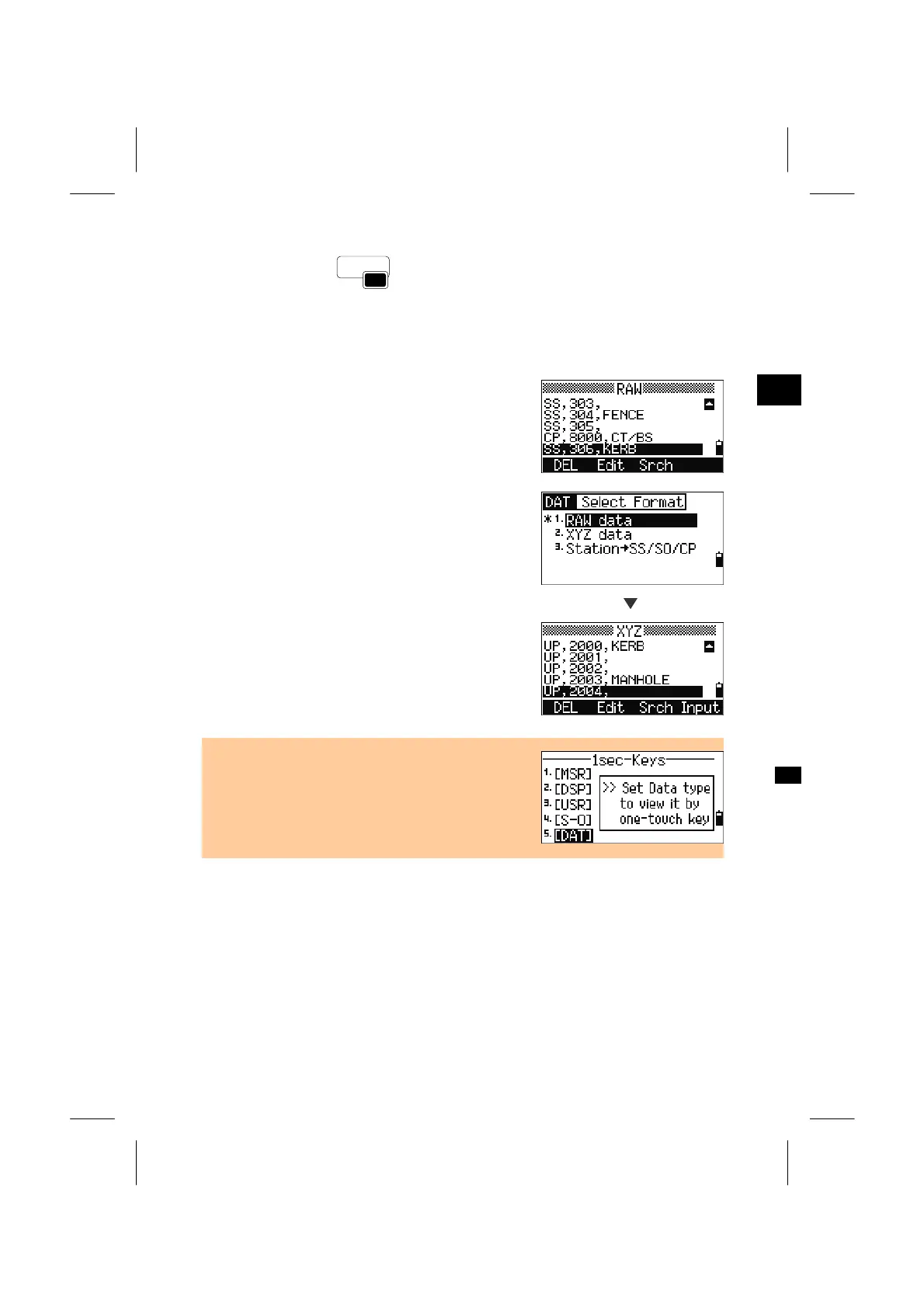
When the [DAT] key is pressed on the BMS or
observation screens in Stakeout or 2Pt RefLine, Arc
RefLine, etc., the assigned data in the current Job is
displayed at once.
If the [DAT] key is held down for one second on
those observation screens, the select data format
screen will be shown.
[2]
The change is immediately applied and you can see
the selected data right away.
Press the [ESC] key to return to the previous
observation screen.
• Changing the data assigned to the [DAT] key can
also be done in [MENU] → [6.1sec-Keys] →
[5.DAT]. (See p.3-130)
3-84



 To Next Page