3
Input Point Name/Numbe
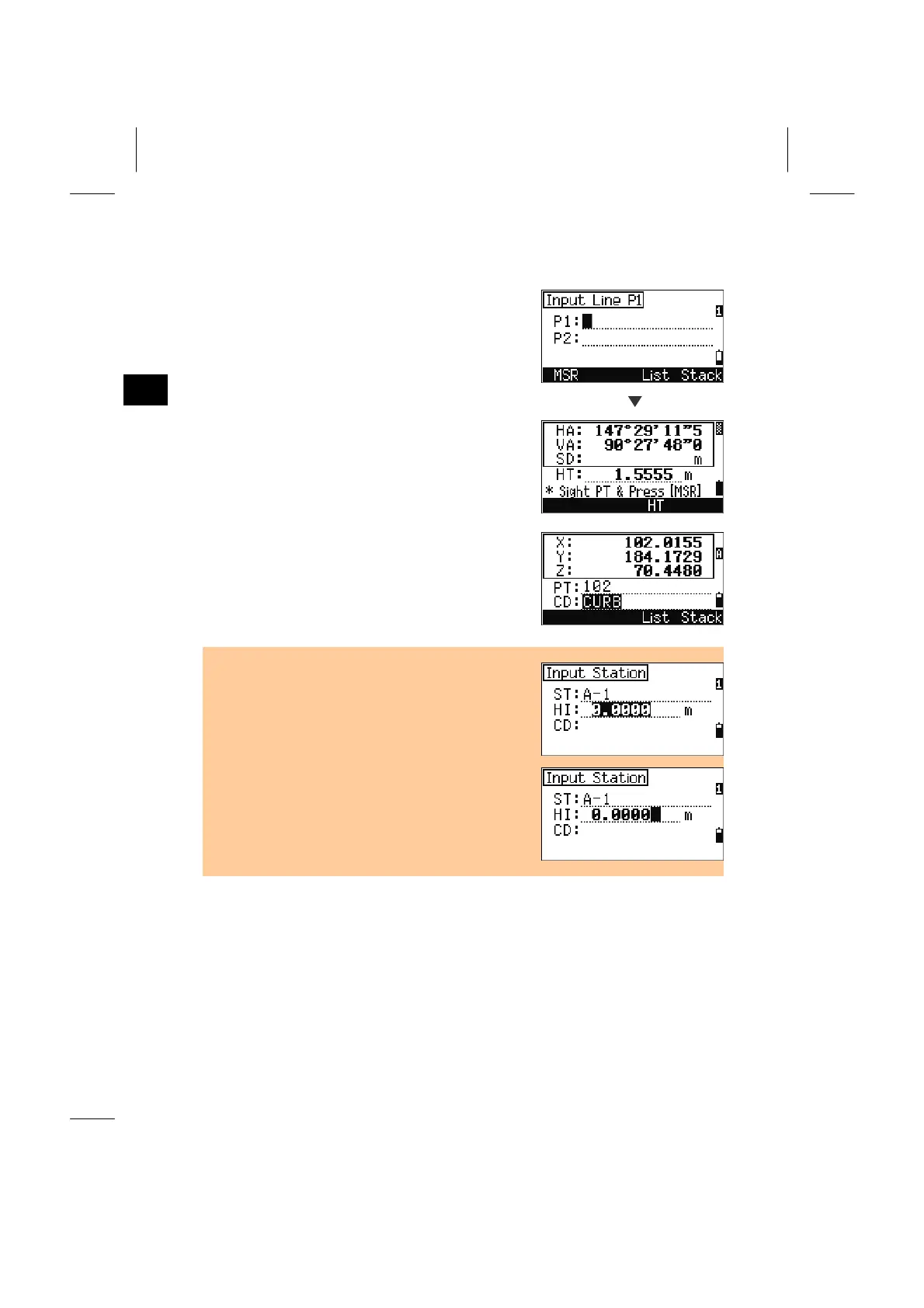
5. When the [MSR] Softkey is Pressed
You can also input a point by on-the-spot
measurement. Press the [MSR] softkey.
MSR
An observation screen is shown.
Press [MSR1] or [MSR2] to start a measurement.
When you need to change the Height of Target,
press the [HT] softkey.
After a measurement, press [ENT] to proceed to the
point recording screen.
Input PT/CD and press [ENT].
• The default value is inverted when the cursor is
moved. (‘All-Replace’ mode)
• Press the Right arrow key and the input mode
changes to ‘Overwrite’ mode at the first character.
Press the Left arrow key and the cursor moves to
the end of the string.
3-9



 To Next Page