The coordinate is stored as a CC record. Line
definition information and “Sta”, “O/S” and “dVD”
values will also be stored in comment records.
3
MENU: 2. Cogo
2-5. Input Coordinate
Manually Input Coordinate
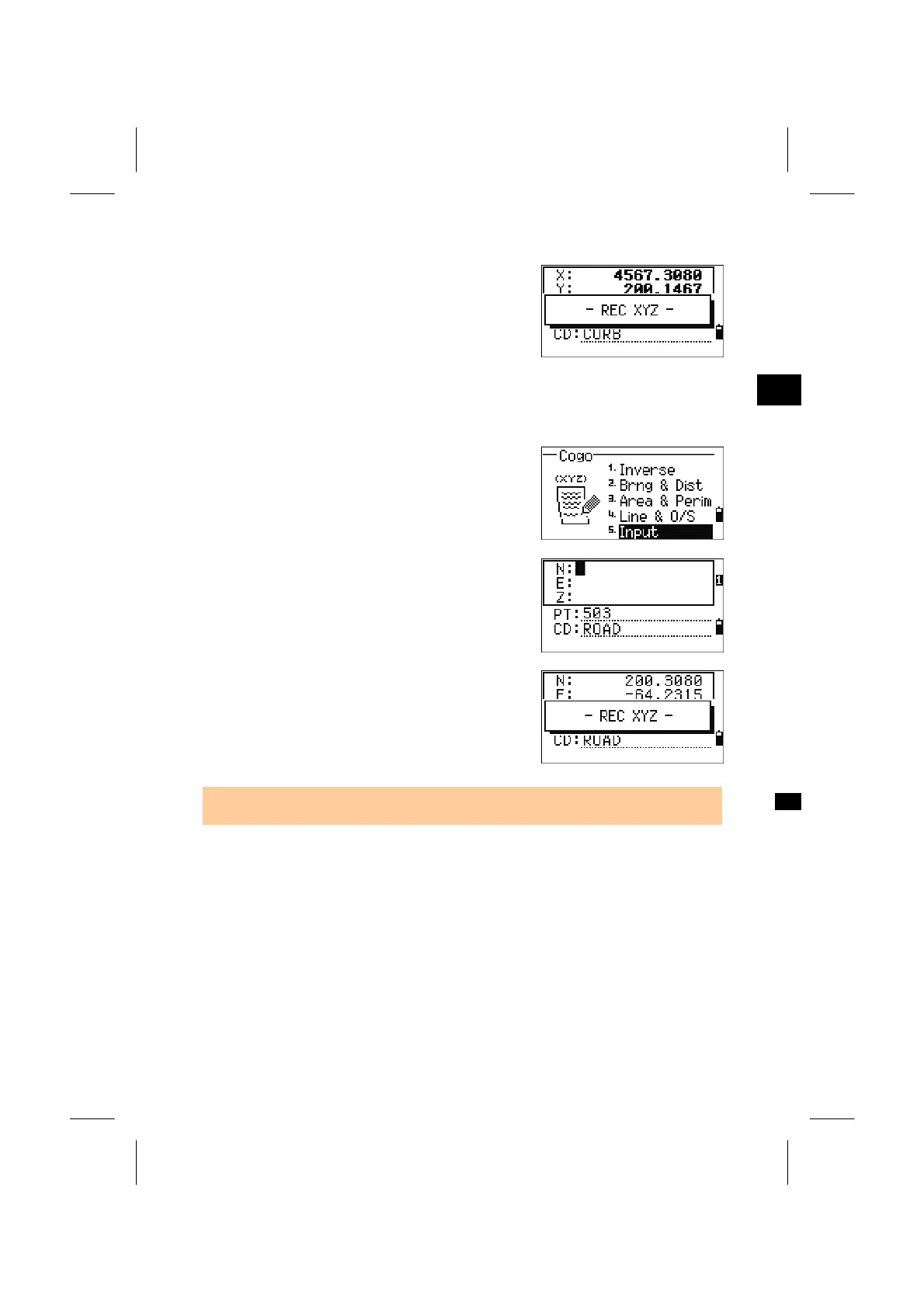
Press the [5] key in the COGO menu to enter the
manual input XYZ function.
The PT is defaulted to the “Last recorded PT+1”.
Input the coordinate using the numeric keys. Press
the [ENT] or Down arrow key on each line.
The point is stored as a MP record when you press
[ENT] on the Z-field.
After recording the point, it returns to the input
screen with the default PT incremented.
• NE, NEZ, or Z only data can be recorded to the database.
3-96



 To Next Page