3
How to Input a Code
2) How to Input a Code
CD: field always defaults to the previously used code.
You can change it on the recording point screen or by using the [COD] key on the
BMS. (See p.3-27)
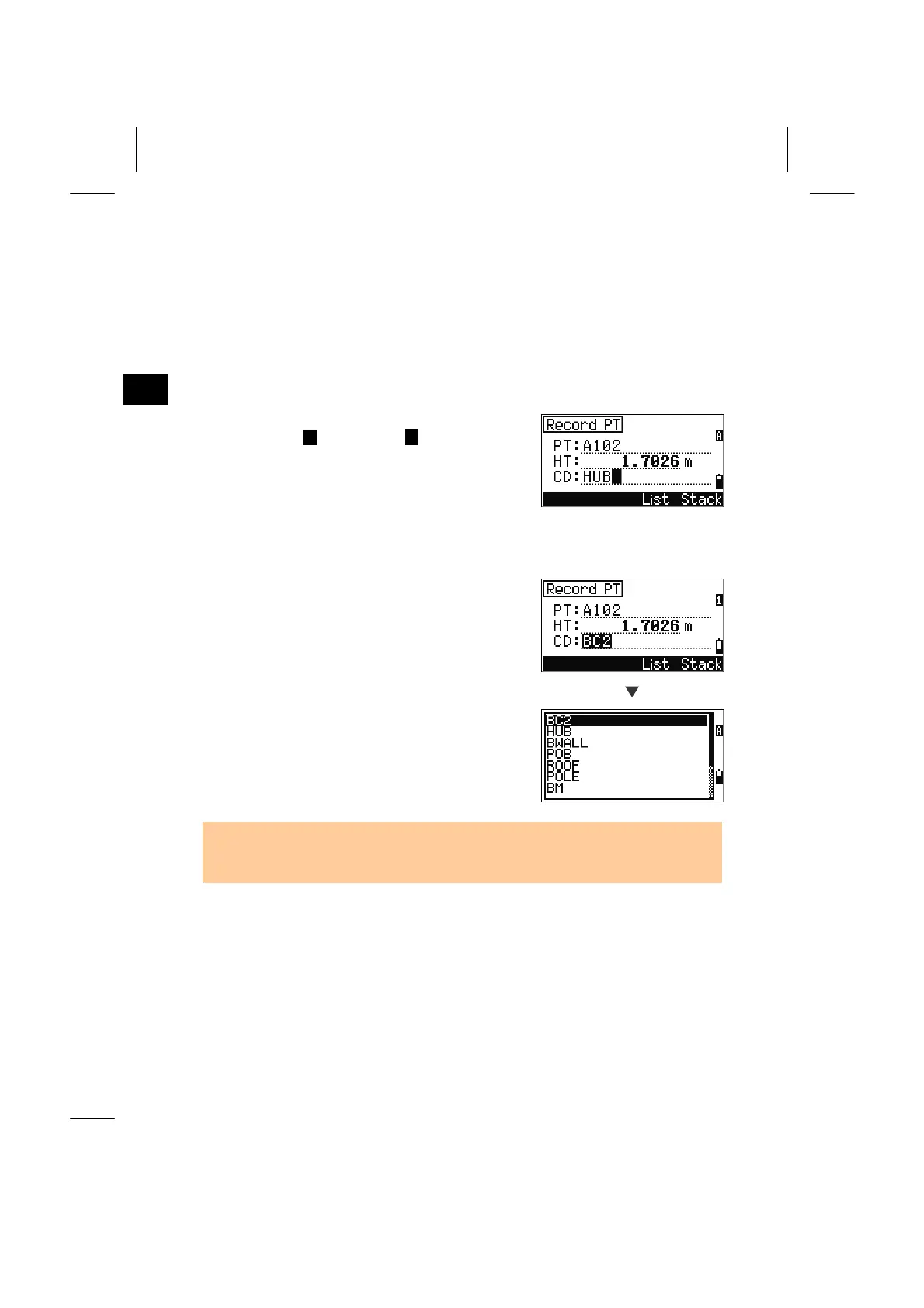
1. Direct Input
Press the [MODE] key to change the input mode to
alpha-numeric ( ) or numeric ( ) mode.
1
2. Stack
Press the [Stack] softkey to display a list of
previously used Codes. The stack may contain up to
20 codes.
Stack
Select a code by using Up/Down arrow key and
press the [ENT] key.
The selected code is copied to the CD field.
• Each code can be input up to 16 characters.
• When the instrument is rebooted, the Stack will be cleared.
3-11



 To Next Page