STN
3
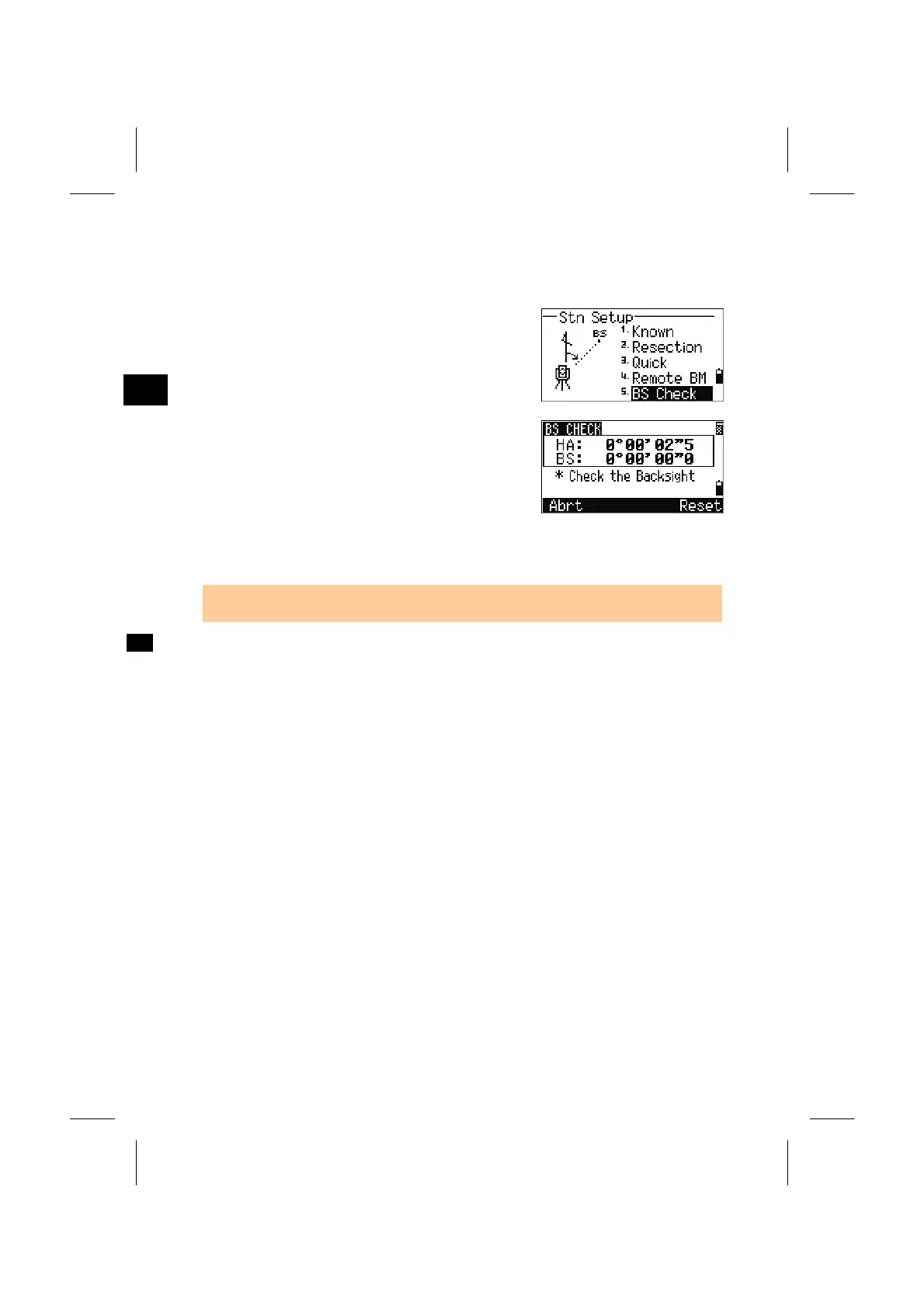
5. BSCheck (BSChk)
Check and Reset the Backsight Direction
Press [5] on STN menu to enter the BS check
function.
Sight the BS and press the [Reset] or [ENT] key to
reset the horizontal angle to the HA set in the last
station setup.
Press the [Abrt] or [ESC] key to abort the process
and return to the BMS.
HA: Current HA reading
BS: The HA to the BS in the last station setup.
• A station setup must be completed before the BS check function is used.
3-45



 To Next Page