3
Input Point Name/Numbe
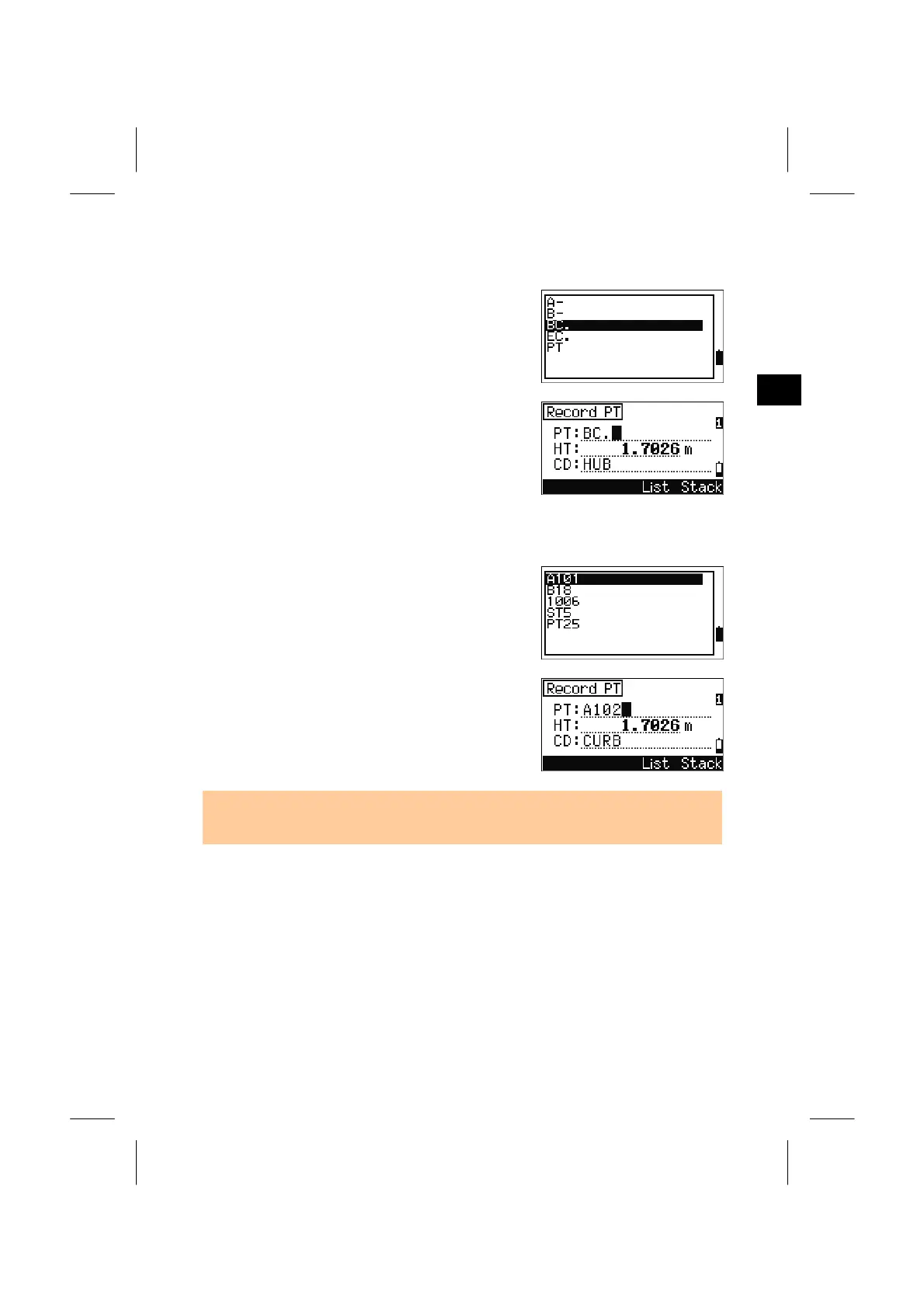
6. Inputting PT by [List] Softkey
Press the [List] softkey while the cursor is in the PT
field. The PT List is shown.
Use Up/Down arrow keys to select a PT name and
press the [ENT].
When you return to the PT input screen, the selected
PT name is input. You can add numbers and/or
alpha characters if necessary.
7. Inputting PT by [Stack] Softkey
Press the [Stack] softkey while the cursor is in the
PT field. The Stack for PT is shown.
Use Up/Down arrow keys to select a PT name and
press the [ENT].
When you return to the PT input screen, the selected
“PT+1” is input to the field.
• Up to 20 PT names used in recording point are shown in chronological order (the
latest used is placed on top of the list).
3-10



 To Next Page