3. Settings for Measurement
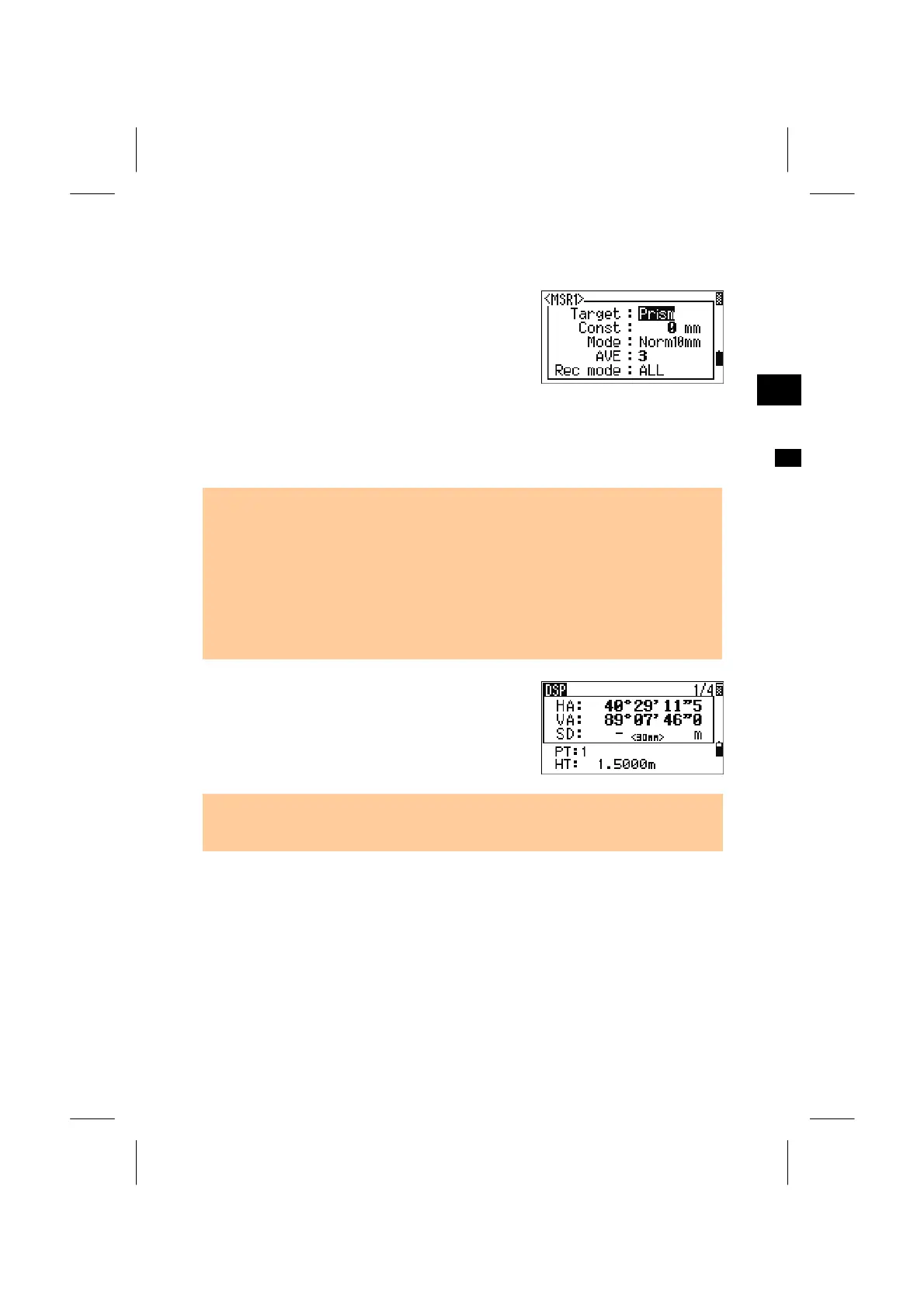
Holding down the [MSR1] or [MSR2] key for one
second shows the settings for measurement.
Move the cursor by Up/Down arrow keys and
change each setting by Right/Left arrow keys.
3
MSR1/MSR2
Target = Prism/Sheet
Prism constant (Const) = -999 ~ 999mm
Mode = Prec0.5mm/ Prec1mm/Normal1mm/Normal10mm
AVE = 0 (Continuous) ~ 99
Rec mode = MSR only/Confirm/ALL
• “Rec mode” controls the operation by [MSR1]/[MSR2] key on the BMS.
By 'Confirm' setting, the "Record PT" screen is always presented for your final
check before recording the data.
• ‘ALL’ setting is a quick shooting and recording mode where the program
automatically records the point using the default PT/CD and returns to the BMS fo
the next measurement.
• ‘MSR only’ is the normal measure mode. It stops on the BMS after a measuremen
and waits for the [ENT] key to record the point. This is the default mode.
“- ”(running-dash) is displayed when a
measurement is started with “Target= Prism”.
“) ”(running-bracket) is for “Target= Sheet”.
• In order to apply better cyclic-error adjustment in distance measurement, the
'Target' setting is introduced. It efficiently eliminates multi-path reflection.
3-22



 To Next Page