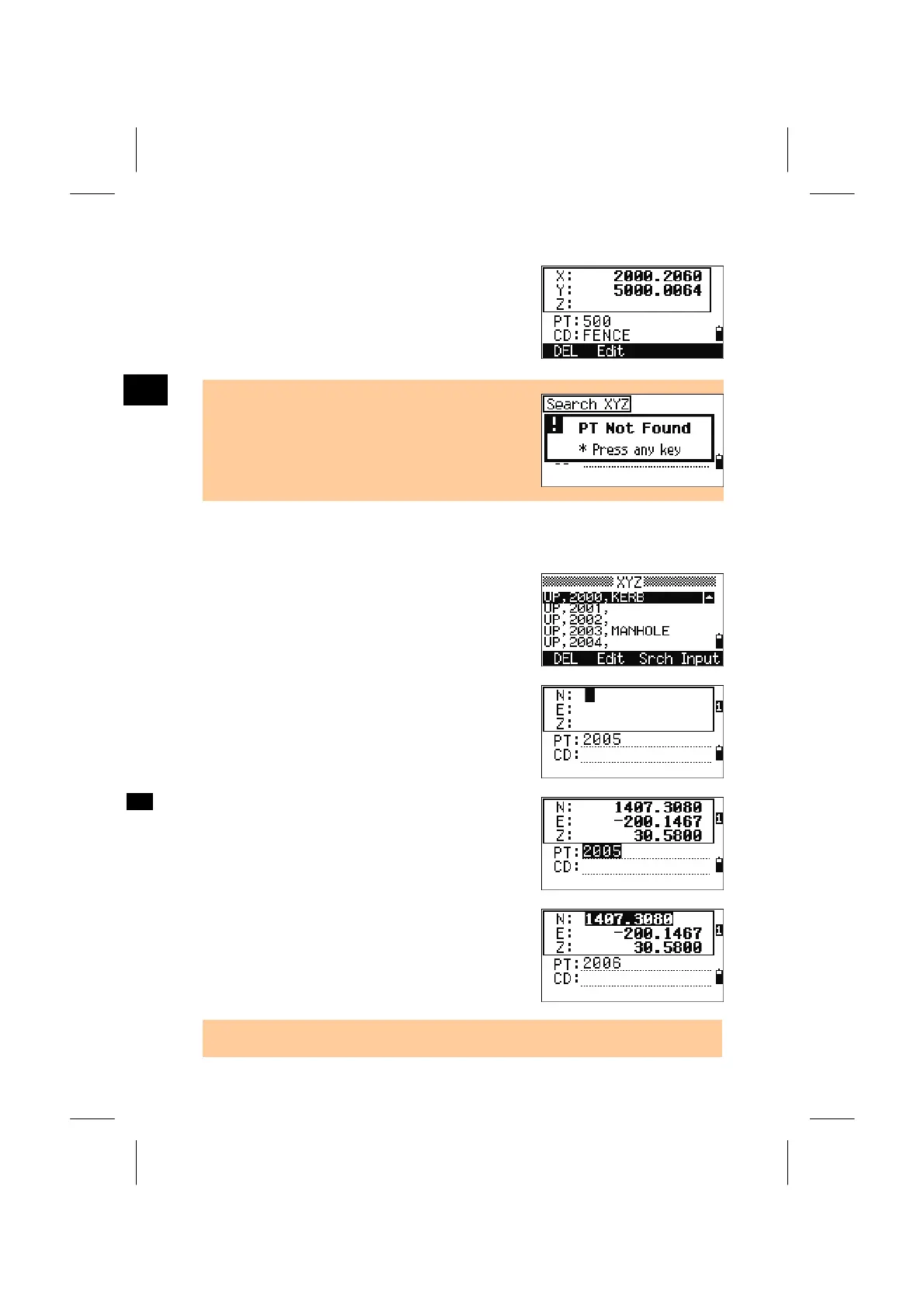
Detailed data screen for the selected record is
displayed. Press the [ESC] key to return to the list
screen.
On this screen, the [DSP] key is also available to
change the contents.
3
MENU: 4. Data
• When no point matches the specified criteria, an
error screen is displayed. Press any key to return
to the list of data screen.
4-5. Input Coordinate
Press the [Input] softkey to display a new input
point screen.
PT is defaulted to “Last recorded PT+1”.
You can change it here too.
After you input PT and CD correctly, press [ENT] to
input coordinates.
Input the coordinate using the numeric keys. Press
the [ENT] or Down arrow key to accept each line.
When you press [ENT] in the last field (CD), the
point is stored as a MP record.
After recording a point, the next point input screen
is shown with the updated default PT.
• NE, NEZ, or Z only data can be recorded to the database.
3-117



 To Next Page