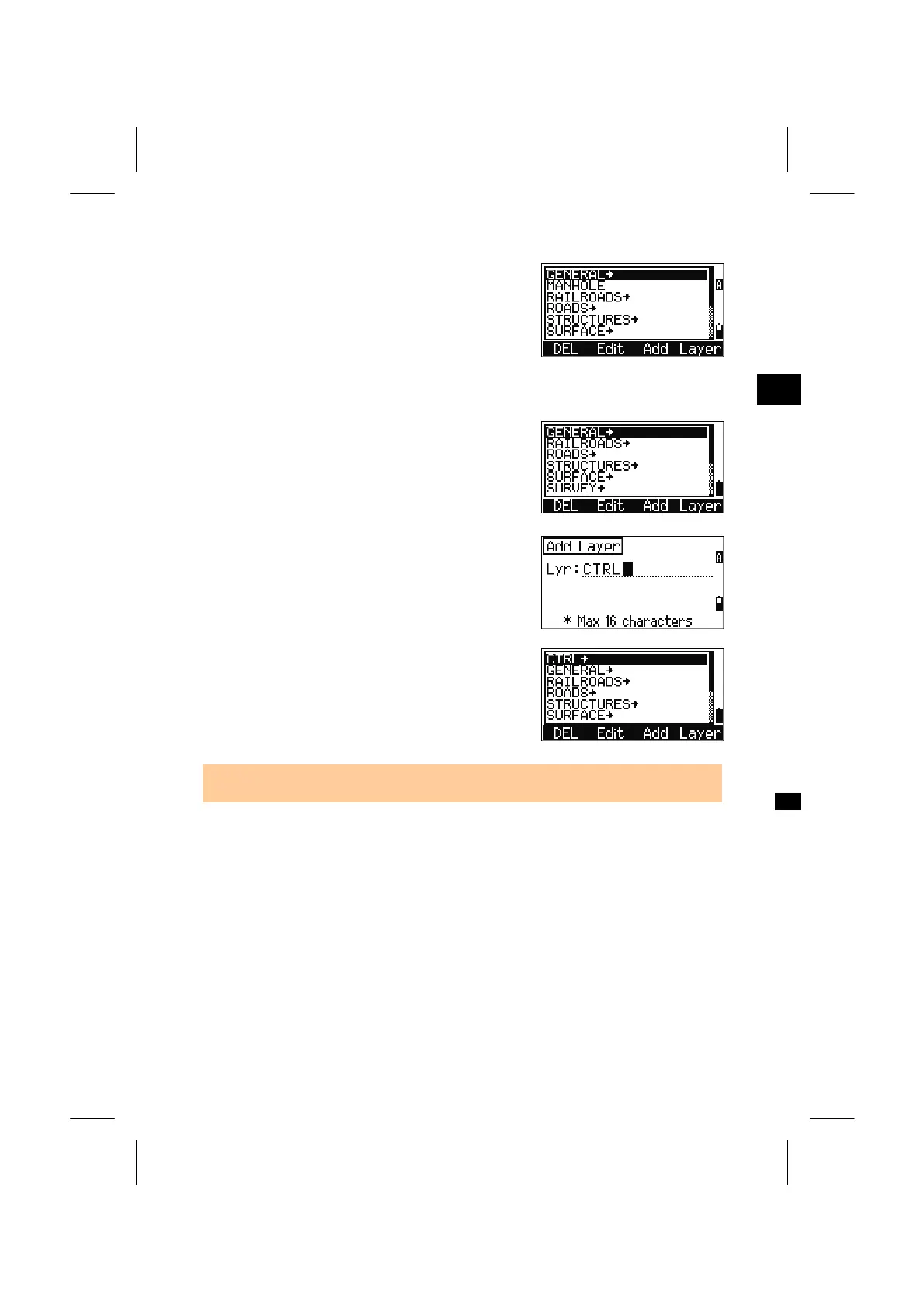
After input of a Code, the List is updated.
3
MENU: 4. Data
4-6-5. Add Layer
Press the [Layer] softkey.
Type the name of the new Layer.
Pressing the [Mode] key changes the input mode
between alpha and numeric. Press the [ENT] key to
store the new layer.
When a new layer is added, all the items in the
current layer are updated in alphabetical order.
• Up to 254 codes (or PT names) and/or layer names can be stored in the List.
3-122



 To Next Page