8
ERROR MESSAGES AND ACTIONS
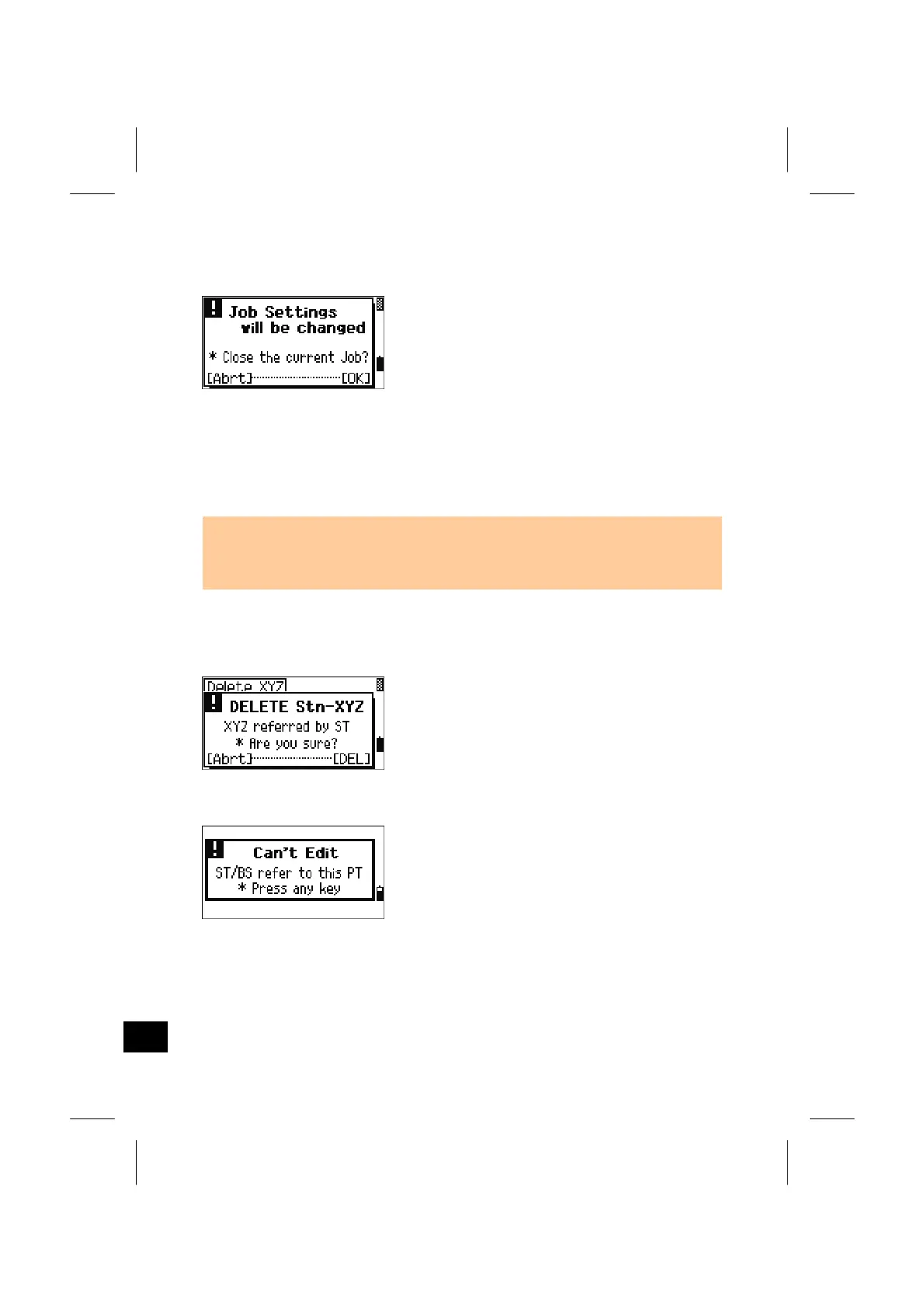
9) In Settings
Any of the following JOB settings is changed.
• 1:Angle>>VA zero, HA
• 2:Distance>>Scale, T-P, Sea Lvl, C&R
• 3:Coord.>>Coord, Az zero
• 5:Unit>>Angle, Dist, Temp, Press
[OK]/[ENT] = closes the current Job. Changes
in the settings are stored.
[Abrt]/[ESC] = cancels the change in the Job
settings. Current job remains
open.
• When the Job setting is changed by [OK] or [ENT] on this screen, the new
settings are stored and activated, however, to record a point, you have to create a
new JOB with those settings.
10) Data
When attempting to delete a coordinate record
referred by ST/BS, a confirmation screen is
displayed.
[DEL] = deletes XYZ
[Abrt]/[ESC] = returns to the previous screen.
No edit is available on a coordinate referred by
current ST/BS.
Action: Press any key to return to the Data view
screen.
8-7



 To Next Page