2
PREPARATION
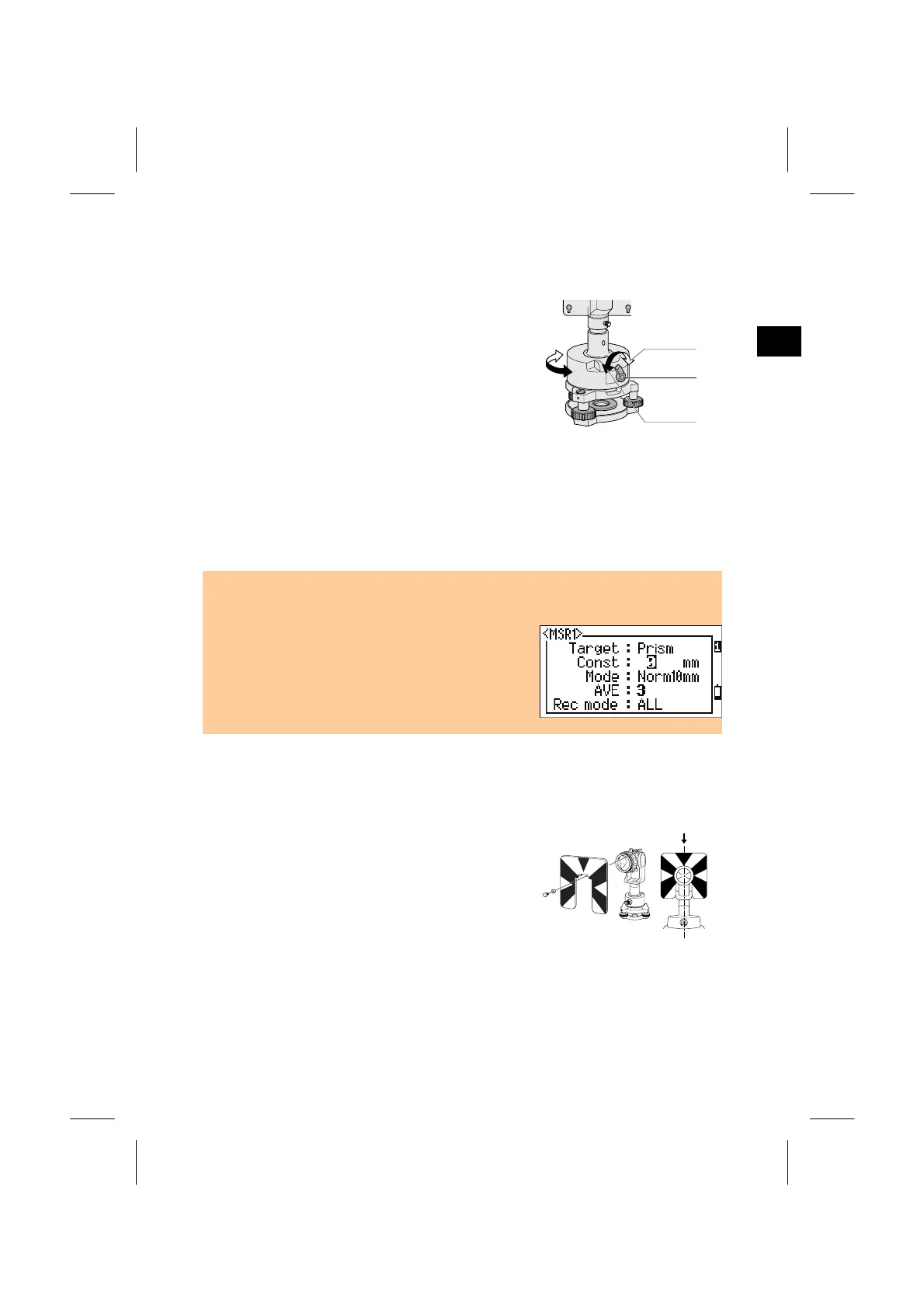
2) Direction Adjustment of the Prism
The prism mounted on the tribrach adapter can be
faced in any direction on the horizontal surface.
To change the direction, release the rotation
clamp by turning the clamp lever
counterclockwise. Turn the upper plate of the
tribrach adapter so that the prism faces the desired
direction. Turn the clamp lever clockwise.
3) Prism Constant
Attach the prism to the single prism holder or triple prism holder. The prism
constant of Nikon prism is 0, regardless of the prism holder type.
• The triple prism holder can also be used as a single prism holder if one prism is
screwed in the center thread of the triple prism holder.
• Each MSR key keeps its own Prism Constant.
Holding down [MSR1] or [MSR2] for one second
to change the value. (See p.3-22)
4) Position of Target Plate for Single Prism
Attach the target plate to the single prism holder
using the supplied two set screws. Within the
range of screw hole, adjust the position of the
target plate so that the apex of the wedge pattern
of the target plate will come into line with the
centers of the tribrach adapter and the prism.
2-13



 To Next Page