Chapter 4 Assembly
110
11
Attaching the side port
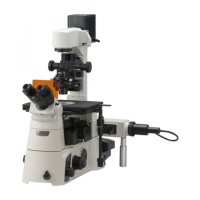
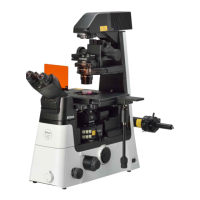
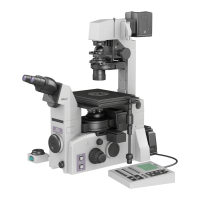
Figure 4-41 Side port adapter attachment
1. Loosen the two side port adapter clamp
screws and remove the plastic cap from the
side port.
2. Insert the side port adapter into the side port,
and secure it by tightening the side port
adapter clamp screws.
3. Attach adapters to the camera device.
4. Insert the adapters and the camera device
into the side port adapter, and secure them
by tightening the two camera adapter clamp
screws.
• Camera devices require compatible adapters
for attachment. First attach the adapters to the
camera device, and then attach the camera
device with the adapters into the side port
adapter.
• Attach a protective cap onto the port when the
port is not in use.
Example: Attaching the C mount TV camera to the direct C mount adapter
(1) Screw the C mount TV camera securely into the direct C mount adapter.
(2) Insert the direct C mount adapter into the side port adapter, and secure it by tightening the locking
screw.
• When detaching photomicrographic equipment, hold it steady, and then loosen the locking screw.
• If the locking screw is loosened without holding the equipment, the equipment may drop. To avoid
dropping photomicrographic equipment, make sure you have a firm grip before loosening the screw.
Side port adapter
clamp screws (x2)
Side port adapter
Camera adapte
clamp screws
x2





 To Next Page