101The i Button
❚❚ Preset Manual
Preset manual is used to record and recall up to six custom white
balance settings for shooting under mixed lighting or to
compensate for light sources with a strong color cast. Follow the
steps below to measure a value for preset manual white balance.
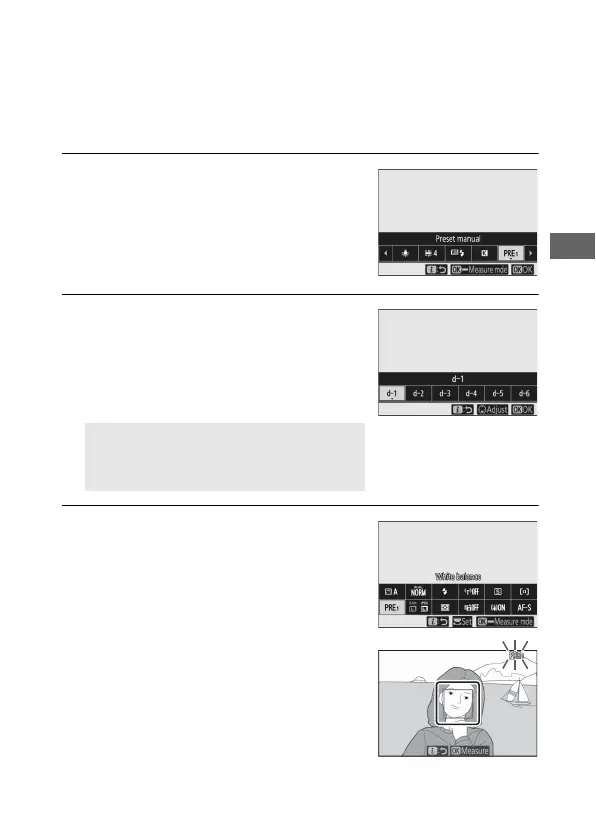
1 Display white balance presets.
Highlight Preset manual in the i
menu white balance display and
press 3 to display a list of white
balance presets.
2 Select a preset.
Highlight the desired white balance
preset (d-1 to d-6) and press J to
select the highlighted preset and
return to the i menu.
3 Select direct measurement mode.
Highlight White balance in the i
menu and press and hold J until the
L icons in the shooting display and
control panel start to flash and white
balance target (r) is displayed at the
selected focus point.
D Protected Presets
Presets indicated by a g icon are
protected and cannot be changed.



 To Next Page