102 The i Button
4 Measure white balance.
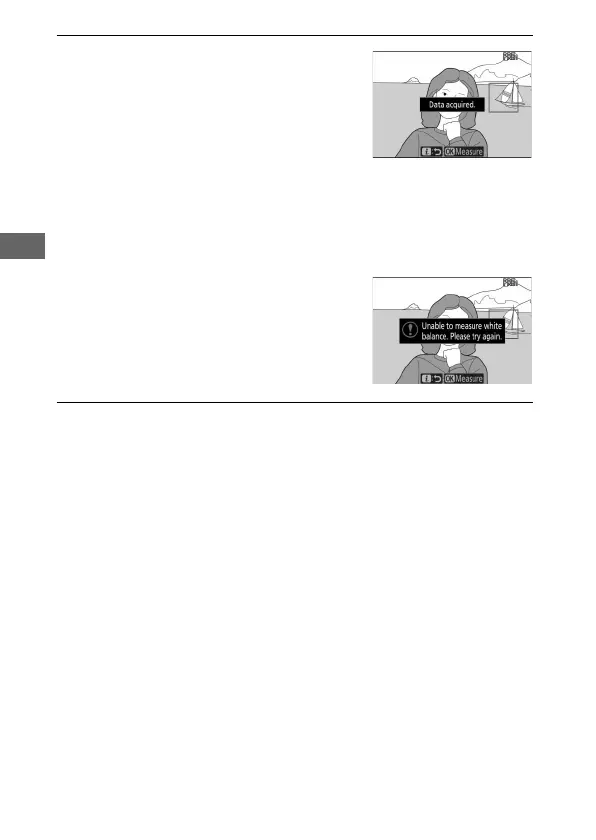
To measure white balance, tap a
white or gray object, or use the multi
selector to position the r over a
white or gray area of the display and
either press J or press the shutter-
release button all the way down (note that the r cannot be
repositioned when an optional flash unit is attached, in which
case you will need to measure white balance with a white or
gray object positioned in the center of the frame).
If the camera is unable to measure
white balance, a message will be
displayed. Try measuring white
balance again with a different target.
5 Exit direct measurement mode.
Press the i button to exit direct measurement mode.



 To Next Page