103The i Button
D Measuring Preset Manual White Balance
Preset manual white balance cannot be measured while HDR or
multiple exposure shooting is in progress.
D Direct Measurement Mode
Direct measurement mode will end if no operations are performed in
the time selected for Custom Setting c3 (Power off delay)> Standby
timer.
D Managing Presets
The White balance> Preset manual option in the photo shooting
menu can be used to copy white balance from an existing photograph
to a selected preset, add comments, or protect presets.
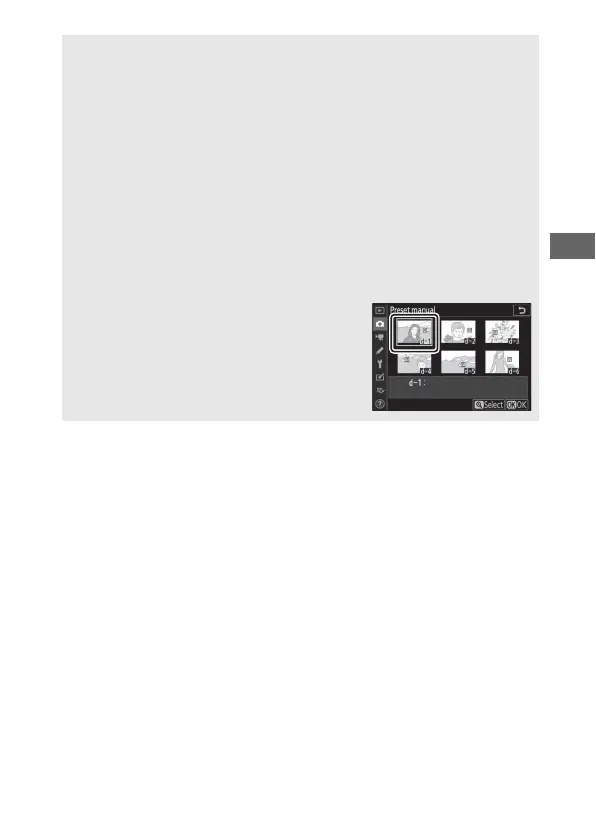
D Preset Manual: Selecting a Preset
To choose a preset, select White balance >
Preset manual in the photo shooting
menu, then highlight a preset and press J.
If no value currently exists for the selected
preset, white balance will be set to 5200K,
the same as Direct sunlight.



 To Next Page