19Getting to Know the Camera
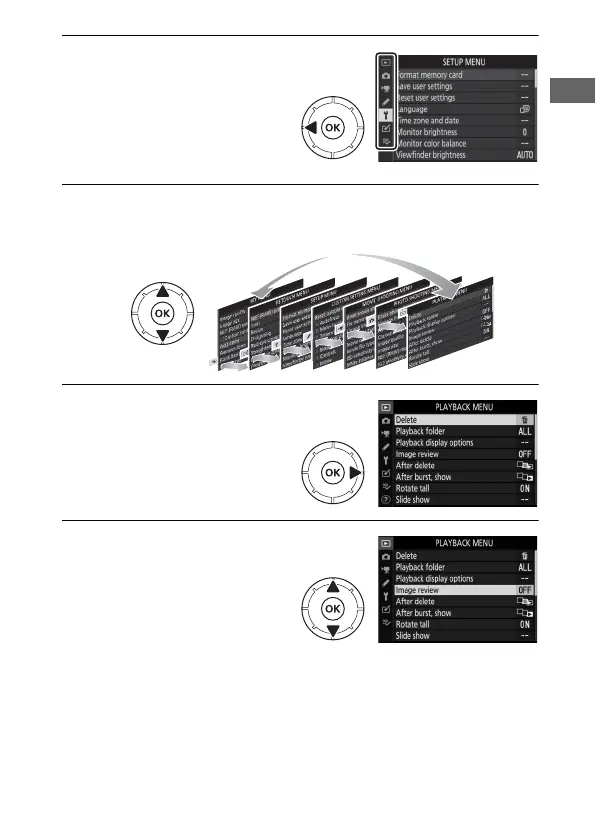
1 Highlight the icon for the
current menu.
Press 4 to highlight the
icon for the current menu.
2 Select a menu.
Press 1 or 3 to select the desired menu.
3 Position the cursor in the
selected menu.
Press 2 to position the
cursor in the selected
menu.
4 Highlight a menu item.
Press 1 or 3 to highlight a
menu item (items that are
displayed in gray are not
currently available and
cannot be selected).



 To Next Page