20 Getting to Know the Camera
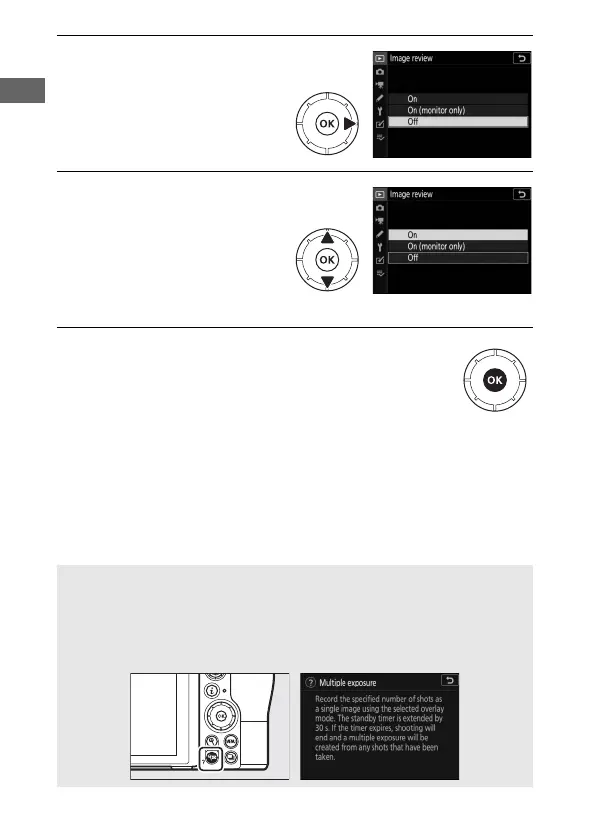
5 Display options.
Press 2 to display options
for the selected menu
item.
6 Highlight an option.
Press 1 or 3 to highlight
an option (options that are
displayed in gray are not
currently available and
cannot be selected).
7 Select the highlighted item.
Press J to select the highlighted item. To exit
without making a selection, press the G button.
To exit the menus and return to shooting mode,
press the shutter-release button halfway.
You can also navigate the menus using touch controls (0 14).
A The d (Help) Icon
If a d icon appears at the bottom left corner of the display, you can
view a description of the currently selected option or menu by
pressing the W (Q) button. Press 1 or 3 to scroll the text, or press
W (Q) again to return to the menus.



 To Next Page