© 2005-2016 Nira Control AB 44
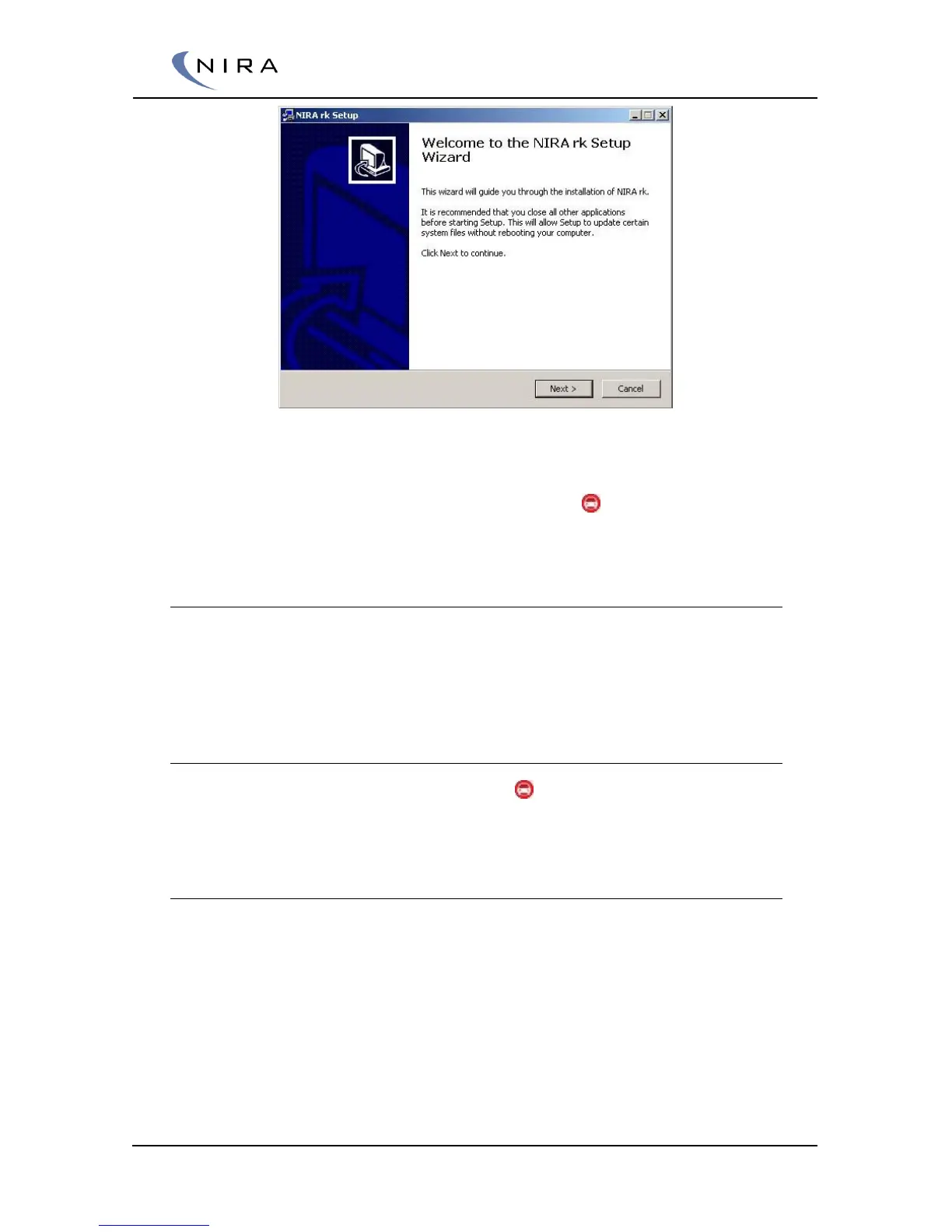
Picture 4-1: Setup Wizard used to install NIRA rk.
Once the installation is finished, NIRA rk i7x Street should be listed in your
“programs” list on the start menu. The NIRA rk icon launches NIRA rk.
4.2 Getting Started
This chapter will give you an overview of NIRA rk and its functions. Do not
connect NIRA i7x to NIRA rk until you’ve read this chapter and understand
fully how NIRA rk operates.
4.2.1 Launching NIRA rk
Click on the Nira Race Key Motorsport icon in the installation directory
(default is C:\Nira).
4.2.2 Welcome Screen
Once you have launched NIRA rk, you will see the Welcome Screen.


 To Next Page