© 2005-2016 Nira Control AB 52
with NIRA i7x at the time, any changes in the parameter value will be
uploaded to NIRA i7x immediately. Otherwise, the changes will be uploaded
next time you connect to NIRA i7x.
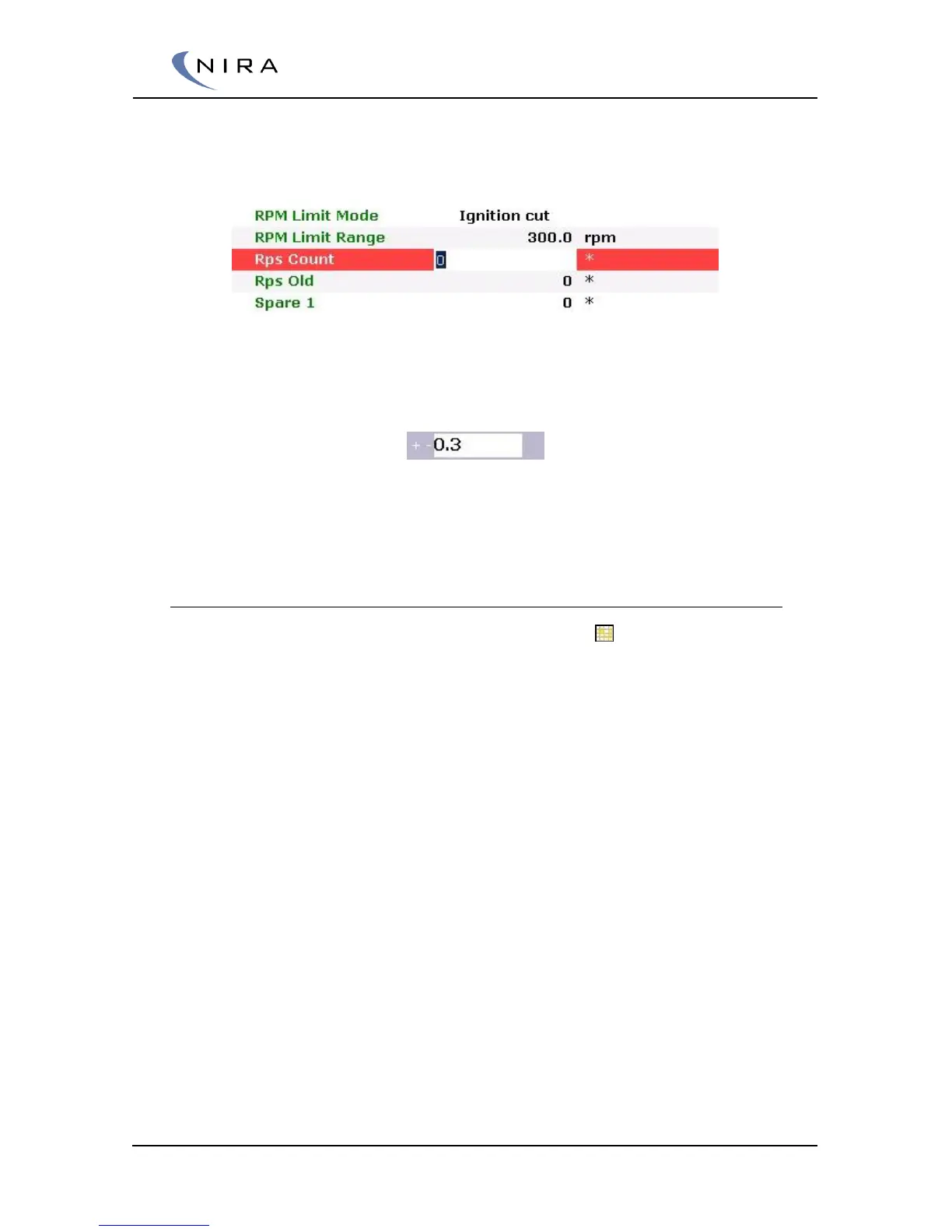
Picture 4-10: Double-clicking or hitting Enter lets you change a parameter value.
You can also change the value with the plus and minus keys. Enter the
parameter addition/subtraction in the “+/-“ box above the list.
The delta is unique for each parameter, so if you want the same delta to
apply to a number of parameters, you need to enter this value for each
parameter.
4.4.7 Tables
Some parameter names are preceded by a grid icon ( ). This icon indicates
that the parameter is a table. Tables can be two- or three-dimensional.
Tables control output values from NIRA i7x based on other parameter values.
Typically these parameter values are sensor values, such as rpm or MAP.
Depending on the number of parameter values, the table is one- or two-
dimensional.
A typical one-dimensional table is the engine temperature sensor. The output
is a function of a single parameter. When you map the temperature sensor
you enter the temperature for different sensor signal voltages.


 To Next Page