© 2005-2016 Nira Control AB 63
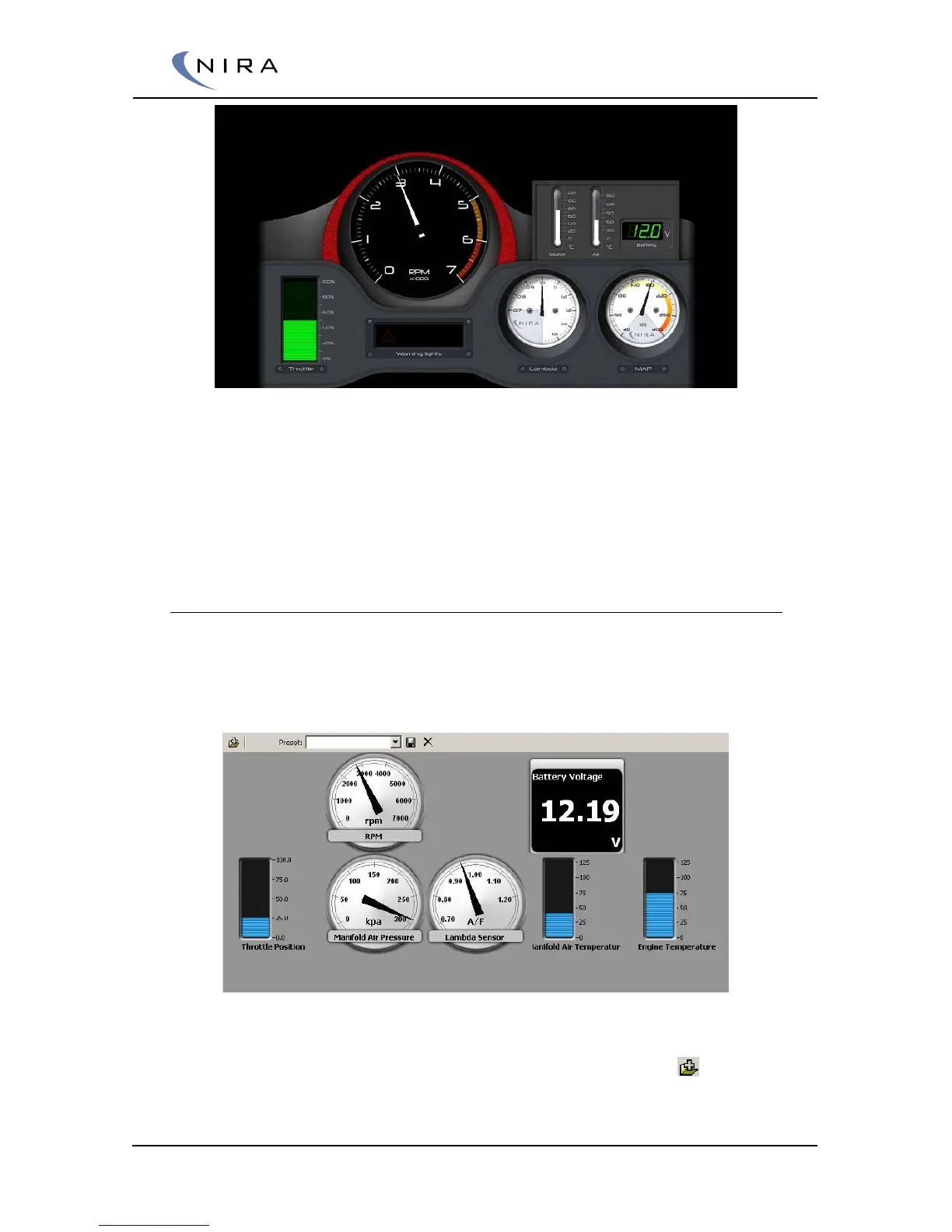
Picture 4-21: NIRA rk Dashboard.
The Dashboard is brought up by hitting F7 on the keyboard. The Dashboard
is available in two versions. The difference is the rpm range. One version
goes up to 7000 rpm, the other to 11000. Choose the most appropriate one
for your engine.
4.6.3 Panels
Unlike the Dashboard, the Panel tab is completely flexible. You can add any
parameter of interest in the form of a gauge. The selection of gauges can be
saved as presets so you can quickly switch among different panel setups.
Picture 4-22: The Panel tab allows you to add any parameter of interest.
To add a gauge to the panel, hit Ins on the keyboard or click on in the
top left corner.


 To Next Page