EasyManua.ls Logo

Niryo Ned2 - Safety Box; Electrical Connection

Niryo Ned2
38 pages
Print Icon
To Next Page IconTo Next Page
To Previous Page IconTo Previous Page
Loading...
Safety boxSafety box
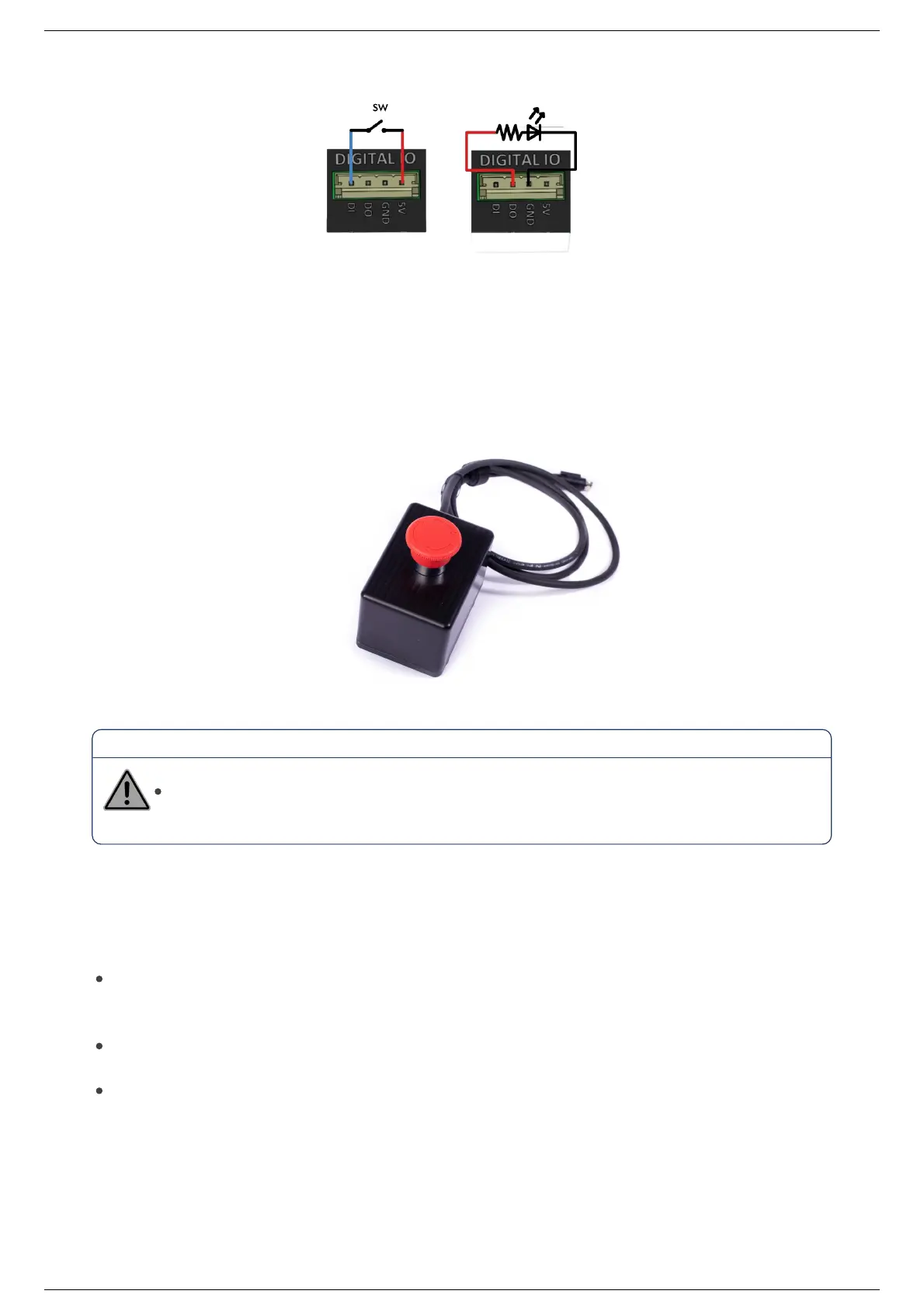
The safety box contain the emergency stop. Activate the emergency stop button to immediately stop all
robot motion.
Warning
The safety box should be always be wired to the robot.
Electrical connectionElectrical connection
Powering ONPowering ON
To turn on the robot, make the connection as explained above. Make sure that the emergency stop
button is deactivated and that the robot is installed according to the instructions given in the Safety
instructions chapter.
Press the On button and wait a few moments for the LED ring to light up ( please refer to led ring
section).
Find more information on how to program and use the robot in the Niryo Studio manual.

Ned2 User Manual (v1.0.0)Ned2 User Manual (v1.0.0)
2022, Niryo All rights reserved. No part of this document may be reproduced or transmitted in any form or by any means without prior written consent of Niryo SAS

Related product manuals