21
In order to restore the default security level, click the current setting
again.
Security Level Range: 1 ~ 9
Default Sensor Setting: Brightness: 40 / Contrast: 20 / Gain: 2
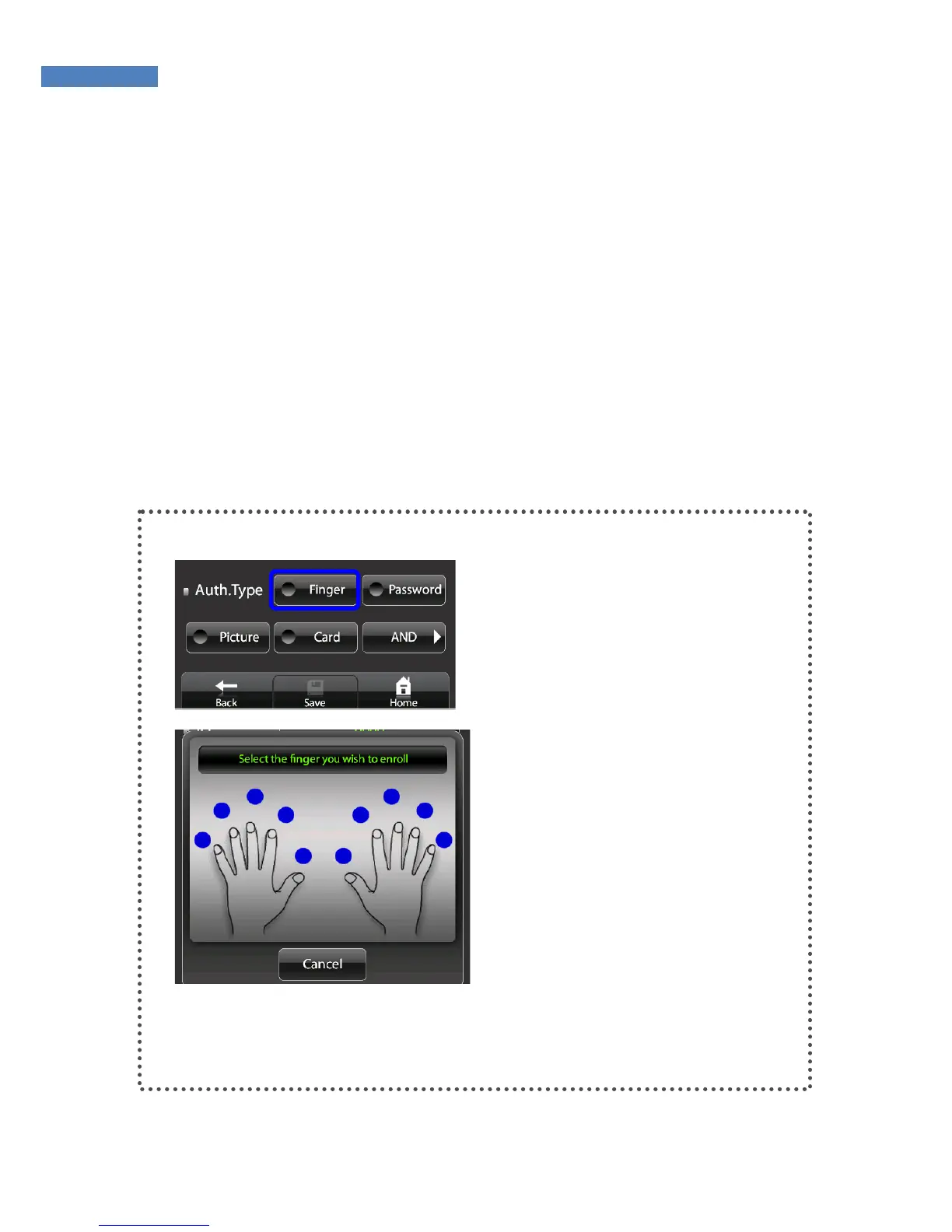
5. The user can be registered using fingerprint, password, or card
authentication. More than one authentication method must be used
to register. After registering, select the authentication checking
method and touch the “Save” button to finish the registration.
Fingerprint Authentication
① Touch the “Fingerprint” button
in “authentication method”. The
fingerprint registration screen will
appear. Select a finger to register.



 To Next Page