23
Photo authentication is not currently supported. This function will soon
be available.
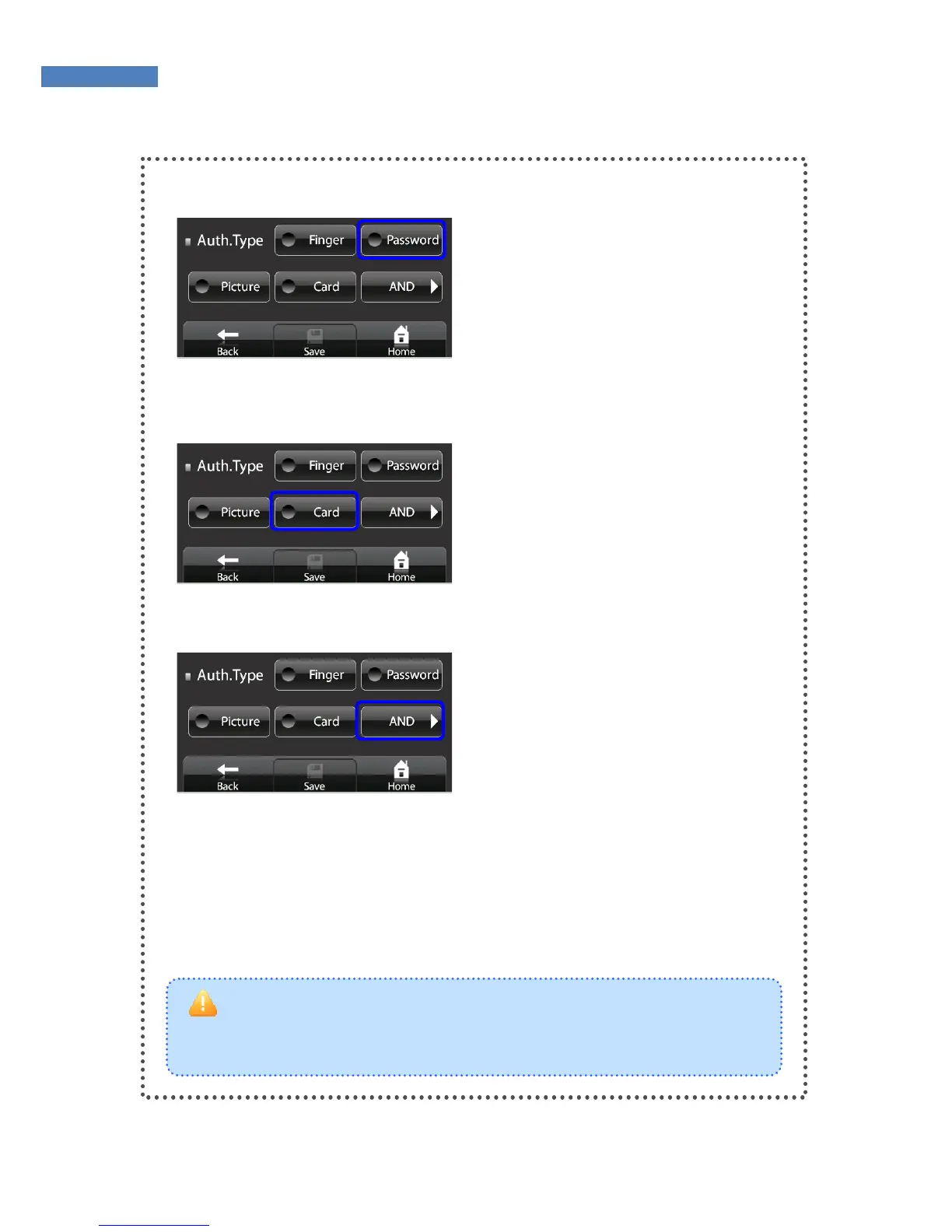
Password Authentication
Touch the “Password” button and
enter the password (four to eight
digits.)
Card Authentication
Press the “Card” button and place
the card on the card reader.
Combined Authentication
To combine authentication
methods, press the “AND” button.
For higher security level or
convenience, select “OR.”



 To Next Page