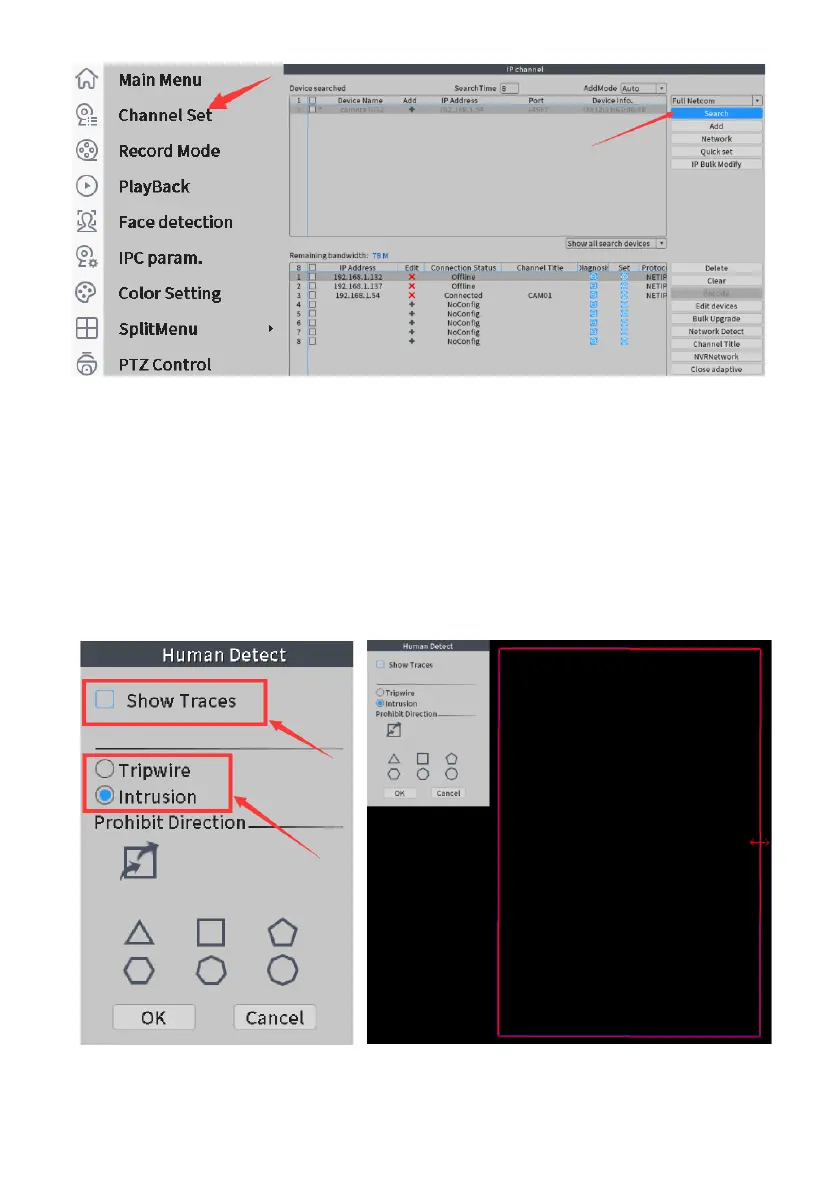
Click the right mouse button, select "Channel Set", and then click "Search"
After searching the IP, double-click IP add. Or click "Quick set"
Q11:Human shape detection didn't work
Please check page11 of the manual to see if the human shape function is
turned on. All are on by default.
Check whether the human shape detection area has been set.
The area should be larger and must be able to detect the human shape completely.



 To Next Page