Frequently Asked Questions
Q1: What if one or two cameras show offline?
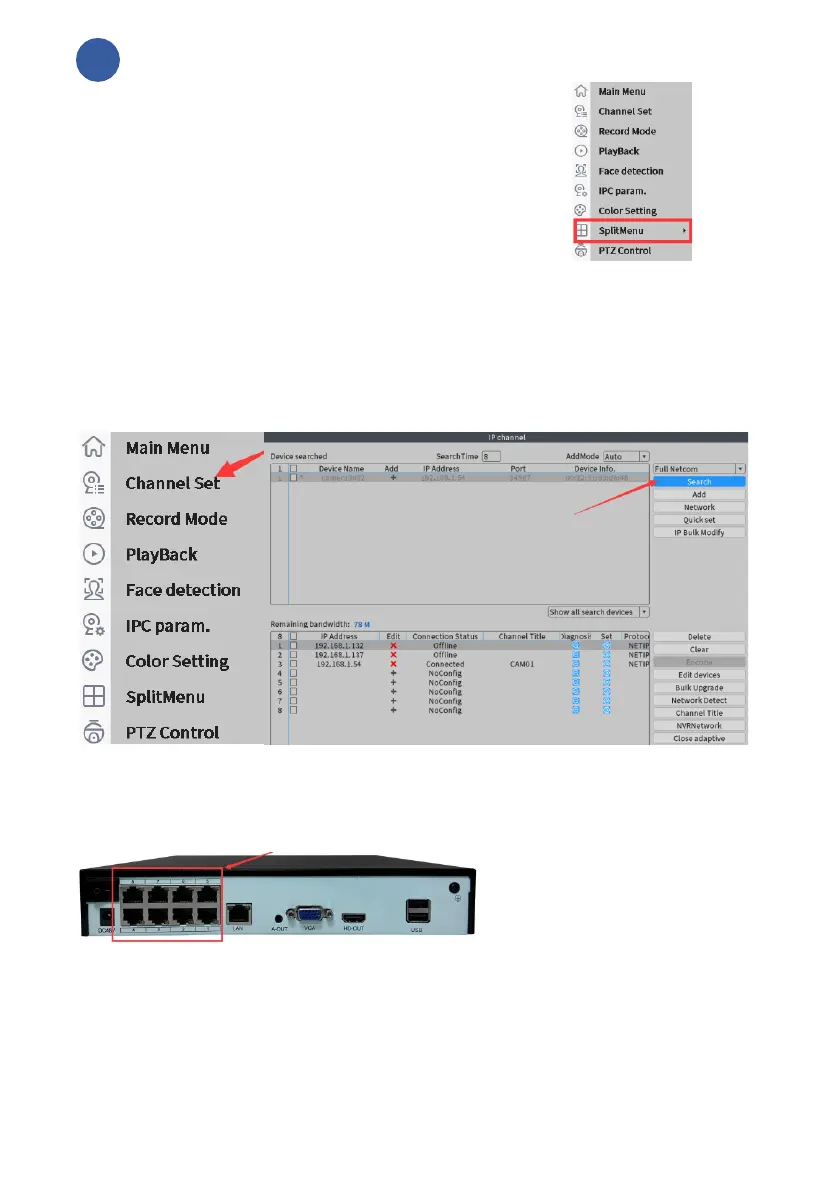
1,Please right-click your mouse button and select
“splitMenu” to “View9” to
see if there’s a picture.
2,Click the right mouse button, select "Channel set",
and then click "search” to see if 4 IP can be found (If 5 cameras are connected,
5 IP will be searched).
If you can find the IP of all cameras, click "clear" below to delete all added
channels, and then click "Quick set" to add them again.
If you can't find 4 IP, continue to see the following steps
3,There are 8 network ports on the back of the video recorder. Change the
port of the channel without view and plug it into another network port. Search
it again and try to see if you can find 4 IP.
4,Try to change the network cable of the camera (Swap the good network cable
to network cable that cannot search the IP) or remove the camera from the wall
and connect the video recorder with a short network cable, and then try to search
for the IP in order to determine if there is a problem with the network cable.
5, If the problem continues, please connect us to get support.



 To Next Page