ACCESS GATEWAY
Configuring the Wireless Connect Gateway 187
Firmware Upgrade
The Firmware Upgrade menu loads updated firmware to the flash ROM. The download file
should be a binary file from the factory; otherwise the product will not accept it. After
downloading the new firmware, the product will automatically restart.
Manual Firmware Upgrade
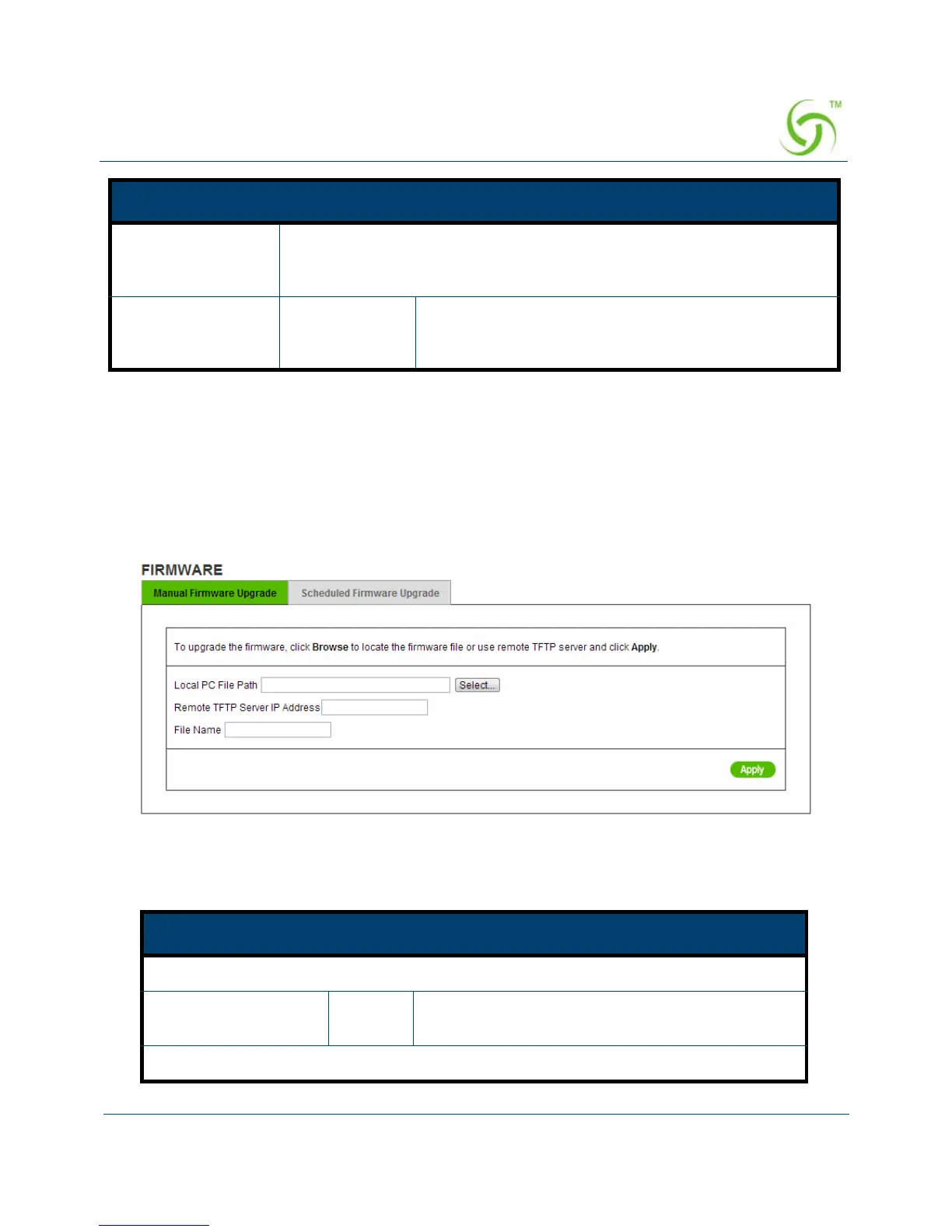
Figure 179 Manual Firmware Upgrade Setting Screen
Reset the system
back to factory
defaults
Erase all configurations and revert back to factory settings
Keep subscriber
profile
Disable Click the keep subscriber profile to change all the
parameters into factory settings but still reserve the
subscriber profiles.
Item Default Description
This allow administrator to upgrade the firmware via HTTP.
Local PC File Path Empty Enter the file name and location in the Local PC
File Path field.
This allows administrator use TFTP server to upgrade firmware.
Item Default Description



 To Next Page