ACCESS GATEWAY
Configuring the Wireless Connect Gateway 197
Super Connect Account
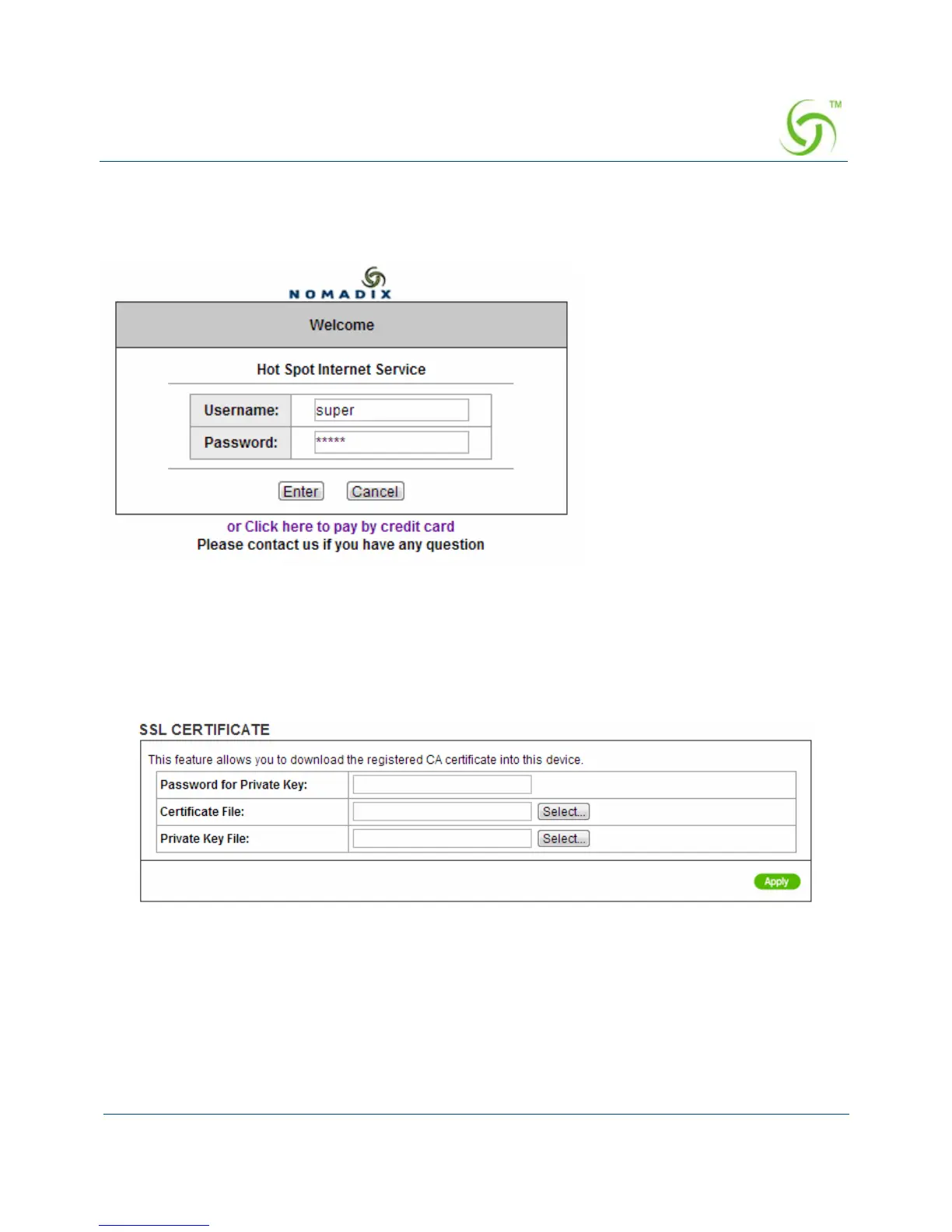
Start your Web Browser; a Connect login page will appear. Enter super as the Username and
super as the password and click Enter, you can use Internet now
Figure 194 Connect Login Page
SSL Certificate
The function allows you to download the registered CA certificate into the Wireless Connect
Gateway.
Figure 195 SSL Certificate Download Setting Screen
Note: The password field must the same as the CA’s registered password.



 To Next Page