ACCESS GATEWAY
190 Configuring the Wireless Connect Gateway
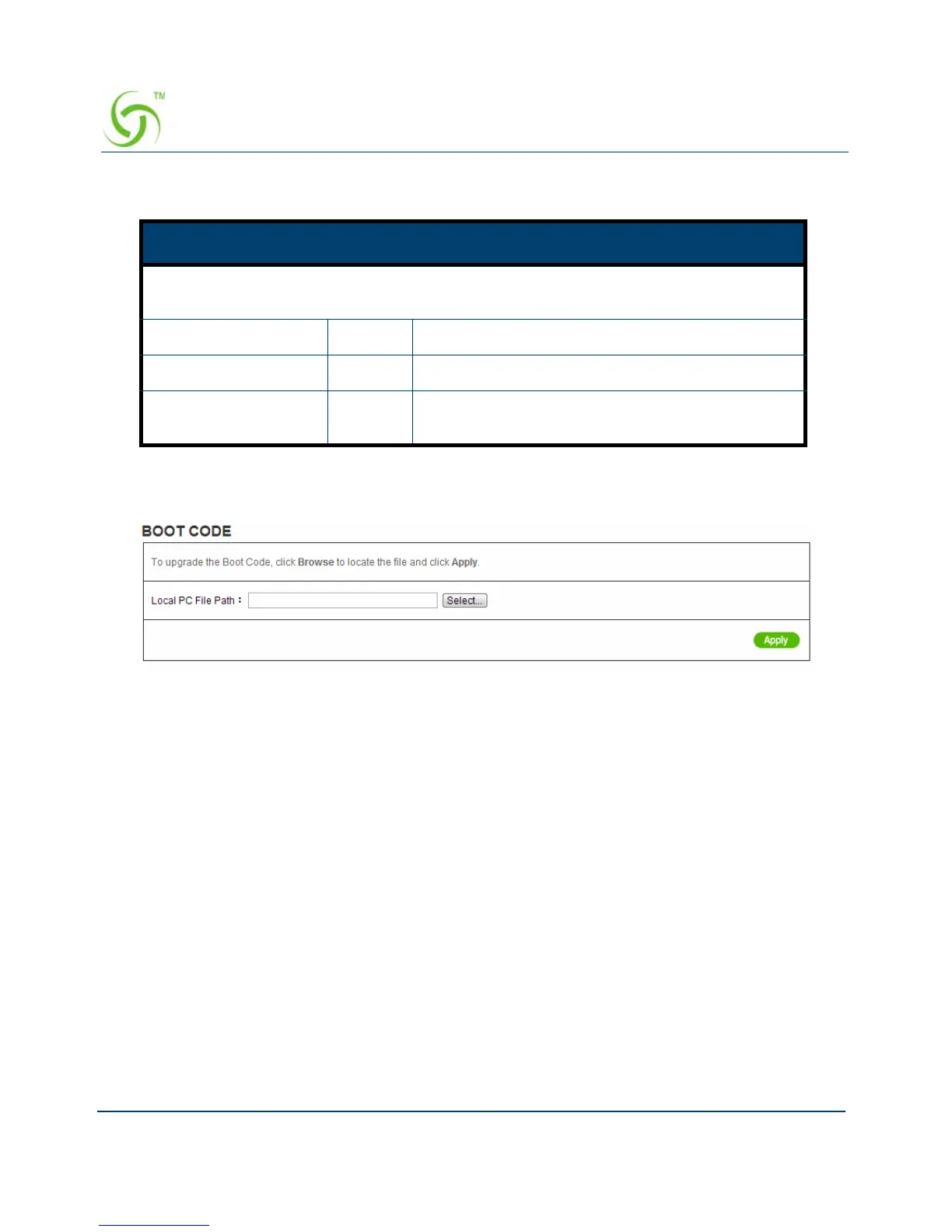
Boot Code
Figure 183 Boot Code Upgrade Setting Screen
System Account
Use the System Account screen to change the system accounts.
Item Default Description
This allow administrator to extended device service, if service expires the device will
stop service until administrator enters the activation code
Status -
Expiration Date DD/MM/YYYY
Activation Code - Enter the Activation Code License Code and click
the “Active” button to activate service



 To Next Page