ACCESS GATEWAY
46 Configuring the Wireless Connect Gateway
Click the button to save the settings then the system will restart.
Advanced Setup
The Advanced Setting enables you to configure advanced settings related to accessing the
Internet, including,
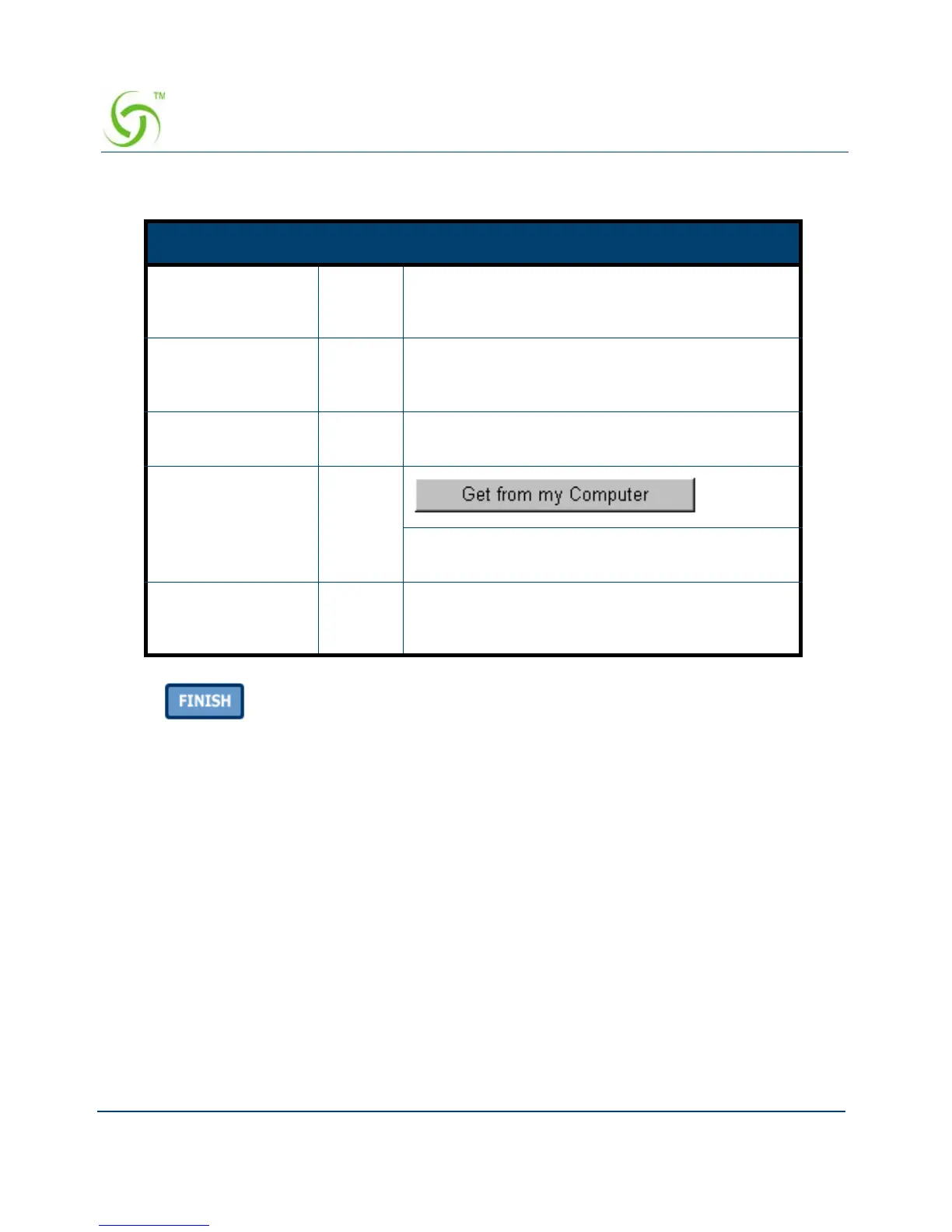
Item Default Description
Username admin Enter the user name. The user name can consist
of up to 80 alphanumeric characters and is case
sensitive.
Password admin Enter the user password. The password can
consist of up to 80 alphanumeric characters and is
case sensitive.
Confirm Empty Enter the password of administrator for
confirmation.
System date and
time
YYYY/
MM/DD
HH:MM:
SS
Click Get from my Computer button to correct
the system date and time.
Secure
Administrator IP
Address
All This function allows remote user to management
the device. You can specify one or any IP
addresses for remote control the system.



 To Next Page