ACCESS GATEWAY
Configuring the Wireless Connect Gateway 189
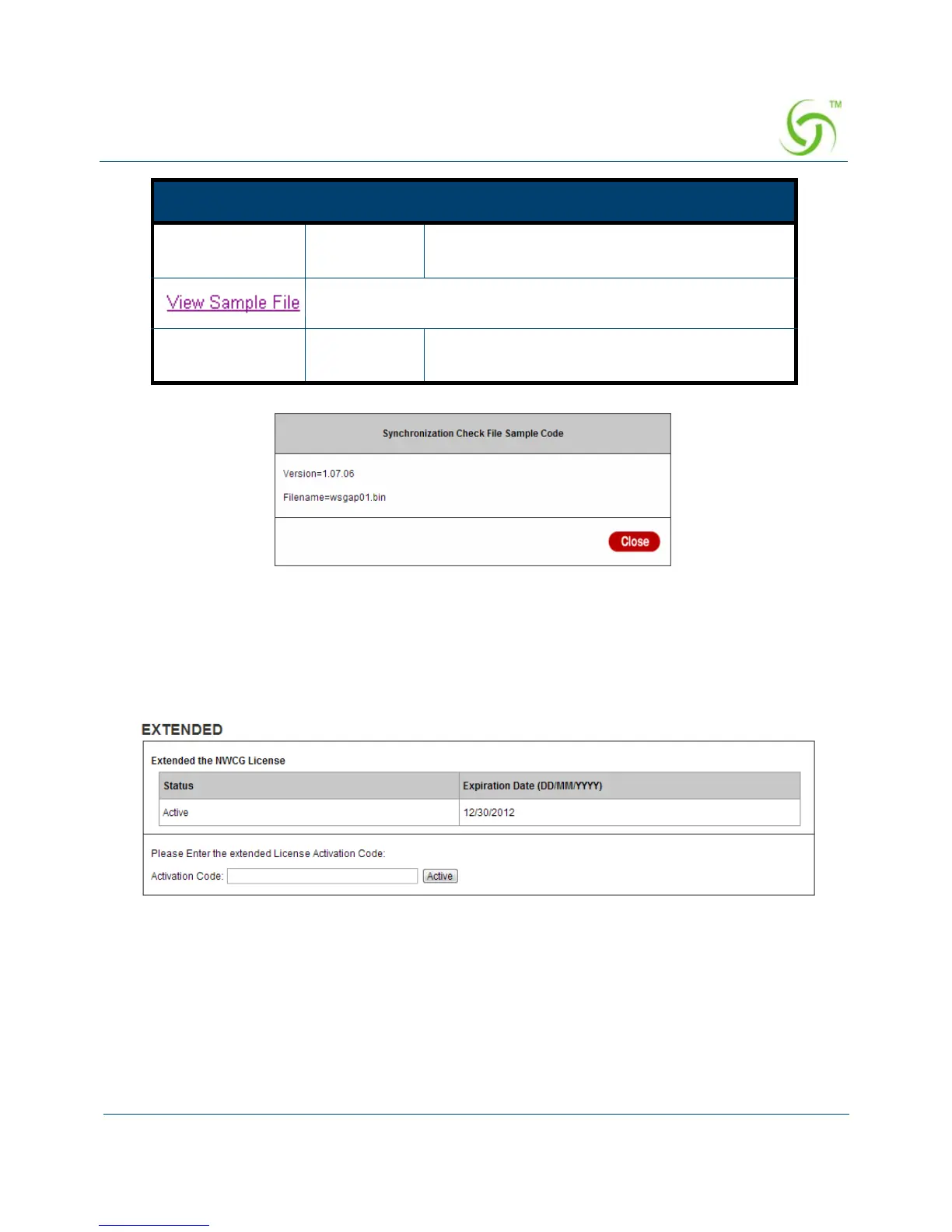
Figure 181 Synchronization File Sample Code
Note: Do not turn the power off during the upgrade process. This will damage the unit.
Extended
Figure 182 Extended Setting Screen
File
Synchronization
Empty Enter the file name and location in the File
Synchronization field.
Click the button to display synchronization file example.
Frequency Weekly Set the firmware upgrade time. The default
value is “Weekly”.
Item Default Description



 To Next Page