ACCESS GATEWAY
30 Configuring the Wireless Connect Gateway
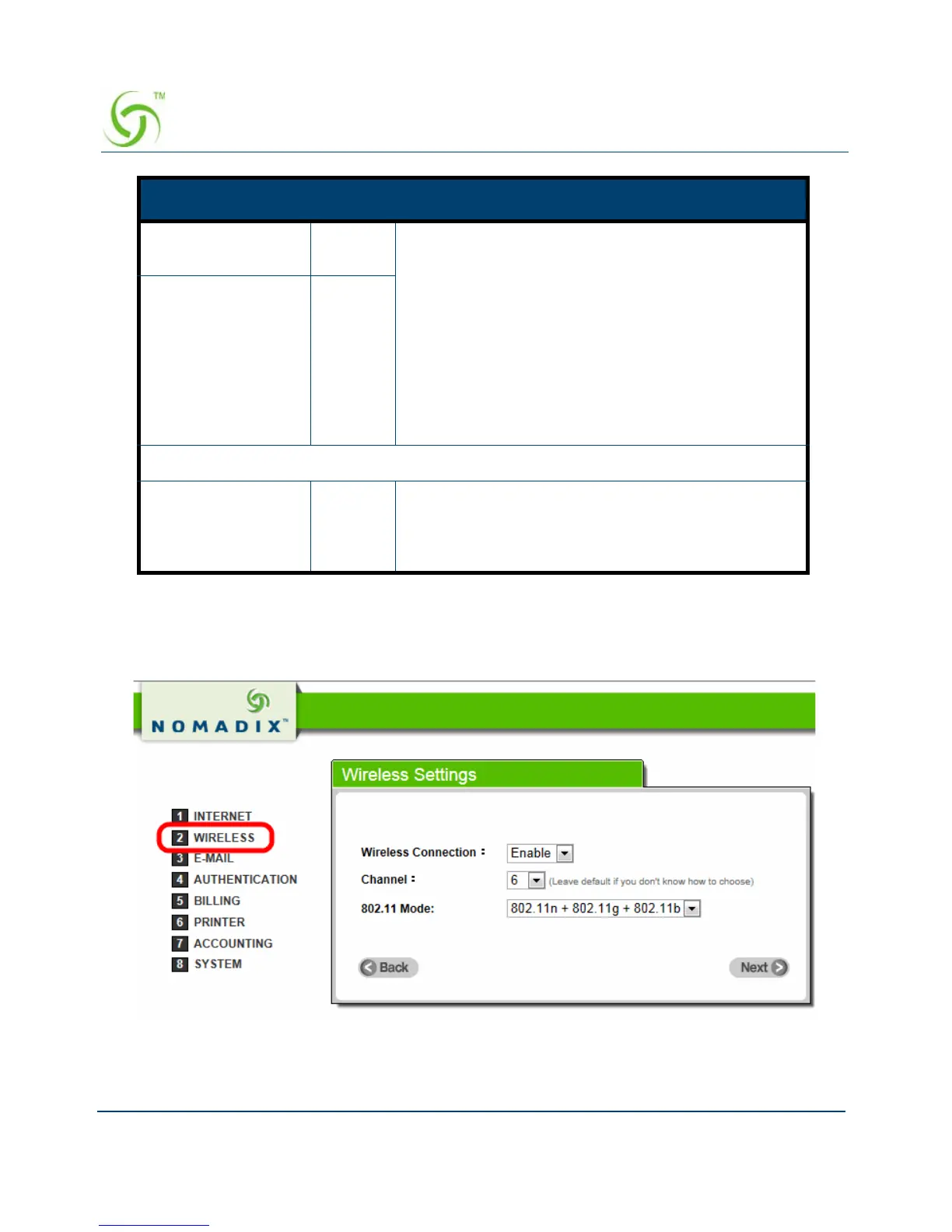
Step 4: Wireless Setting
This page allows you to define the ESSID, Channel ID and WPA/WPA2 encryption for
wireless connection.
Figure 20 Wireless Setting Screen
Connect on
Demand
Enable You can configure your Wireless Connect Gateway
to disconnect from your ISP after a specified period
of time (Max Idle Time). If you have been
disconnected due to inactivity, Connect on Demand
enables your Wireless Connect Gateway to
automatically re-establish your connection as soon
as you attempt to access the Internet again. If you
wish to activate Connect on Demand, click the radio
button. If you want your Internet connection to
remain, click the radio button of keep alive. The Max
Idle Time maximum value is 65535 minutes.
Max Idle Time 10
Minutes
Keep alive and Redial Period
Keep alive Disable This option keeps your PPTP enabled Internet
access connected indefinitely, even when it sits idle.
The Redial Period maximum value is 65535
seconds.
Item Default Description



 To Next Page