ACCESS GATEWAY
32 Configuring the Wireless Connect Gateway
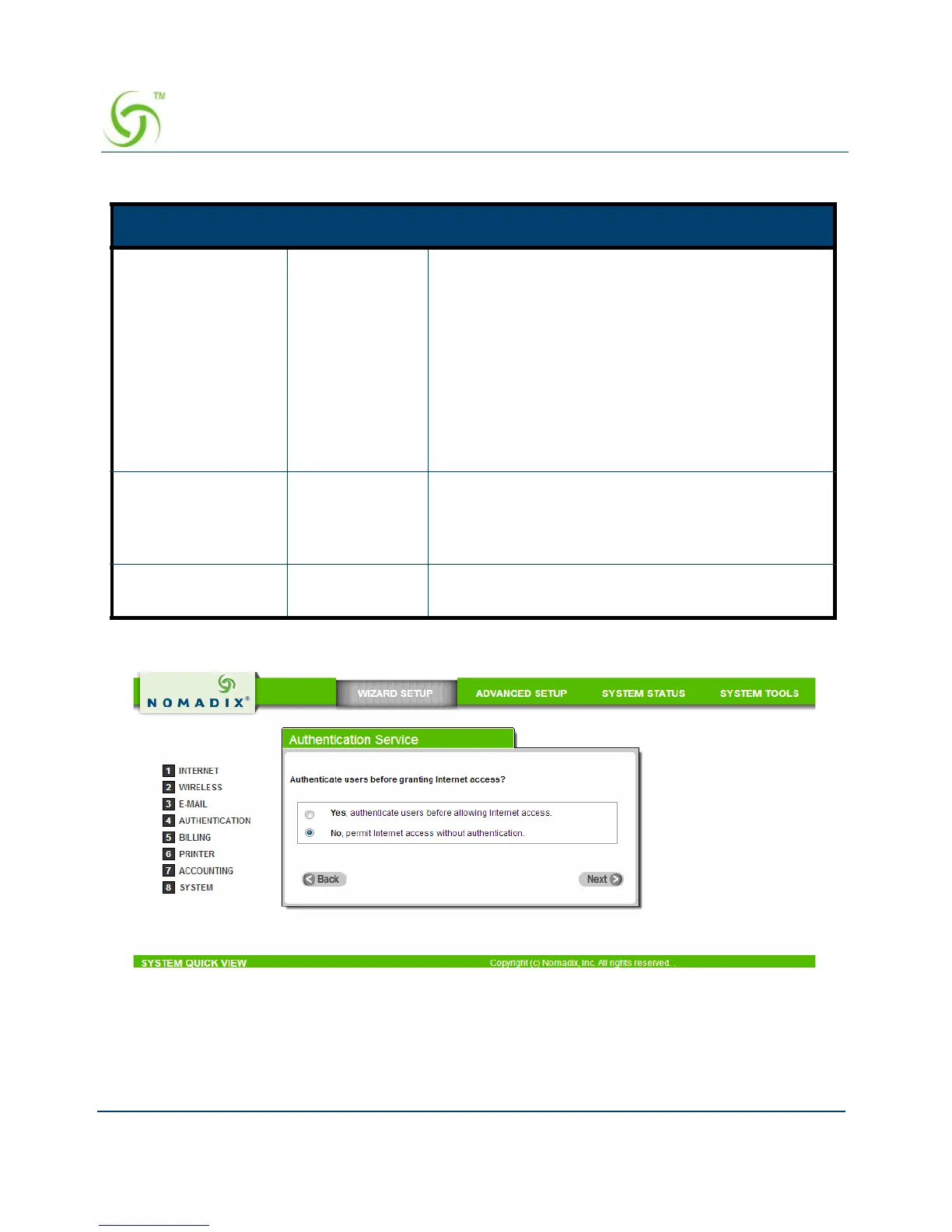
Step 6: Authentication Service Setting
Figure 22 Authentication Service Setting Screen
Item Default Description
Email Server
Redirect
No Disables or enables email server redirect function.
Some subscribers Email server may be protect by
firewall or NAT network. Wireless Connect
Gateway provides an extra Email server parameter
to forward the subscribers Email. The Wireless
Connect Gateway not only forwards the
subscribers E-mail via configured server but also
changes the SMTP header. The recipient of your E-
mail sees the message as if you sent it from your
local Internet Service Provider, not from your
present location.
Email Server’s IP
address or Domain
name
Empty Before configuring this, please make sure the E-
mail sever relay function is enabled on your server.
Enter the email server IP address or domain name.
The field must not exceed 50 characters.
SMTP Port 25 Enter the SMTP port. The SMTP port allowed
range is 25 or 2500 to 2599.



 To Next Page