ACCESS GATEWAY
Configuring the Wireless Connect Gateway 59
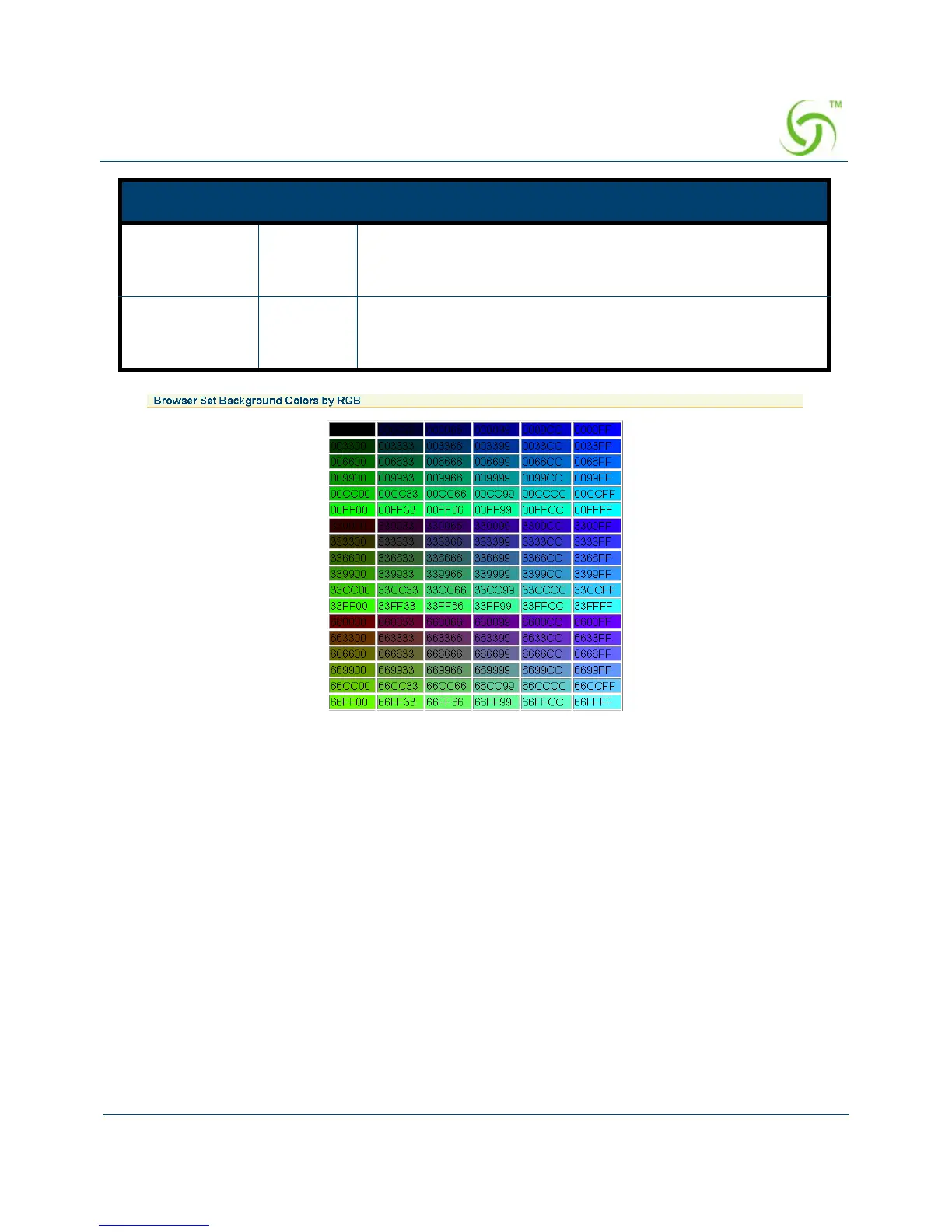
Figure 46 Color Gird
Frame
If “Frame” is selected the subscriber login page will be separate into top frame and bottom
frame. Bottom Frame is a default format for username and password input, Top Frame is
allowed to be a specified a URL link.
Information Empty Allows the administrator to input the text information such as
address, telephone number and fax information. The
maximum number of characters for the information is 80.
Comments Empty Allows the administrator to input the text comments such as
“Please contact to our Customer Service Center, EXT 141”.
The maximum number of characters of the comment is 80.
Item Default Description



 To Next Page