ACCESS GATEWAY
Configuring the Wireless Connect Gateway 91
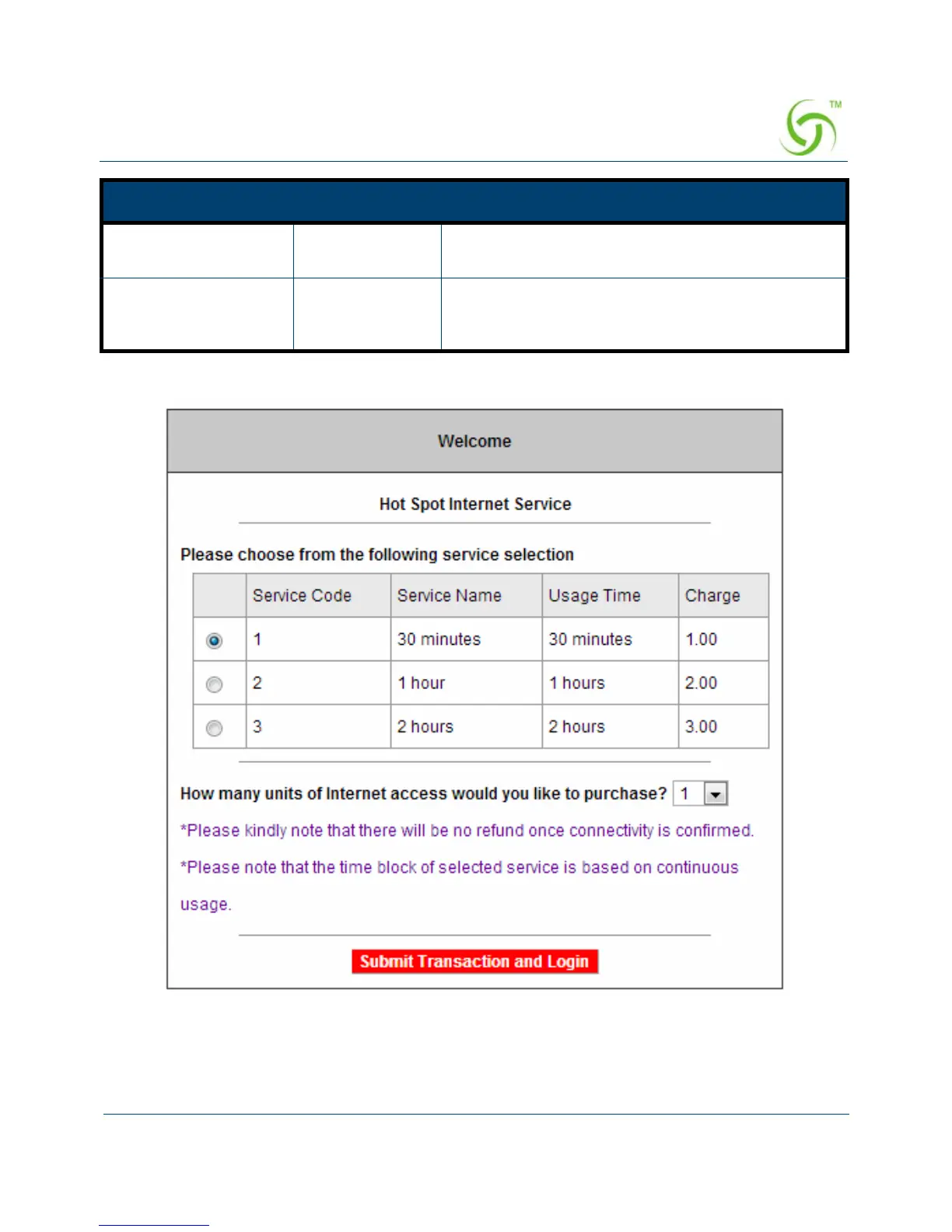
Figure 77 Service & Payment Information Setting Screen (PayPal and WorldPay)
Step 3: After valid payment information has been provided, the Subscriber will obtain one
valid account and the login screen will appear.
Credit card expiration
date
Empty Enter the credit card expiration date. The allowed
format is MMYY.
Enter Email Address Empty Enter your email address. The system will e-mail
your account information once your payment
information has been successfully authorized.
Item Default Description



 To Next Page