ACCESS GATEWAY
94 Configuring the Wireless Connect Gateway
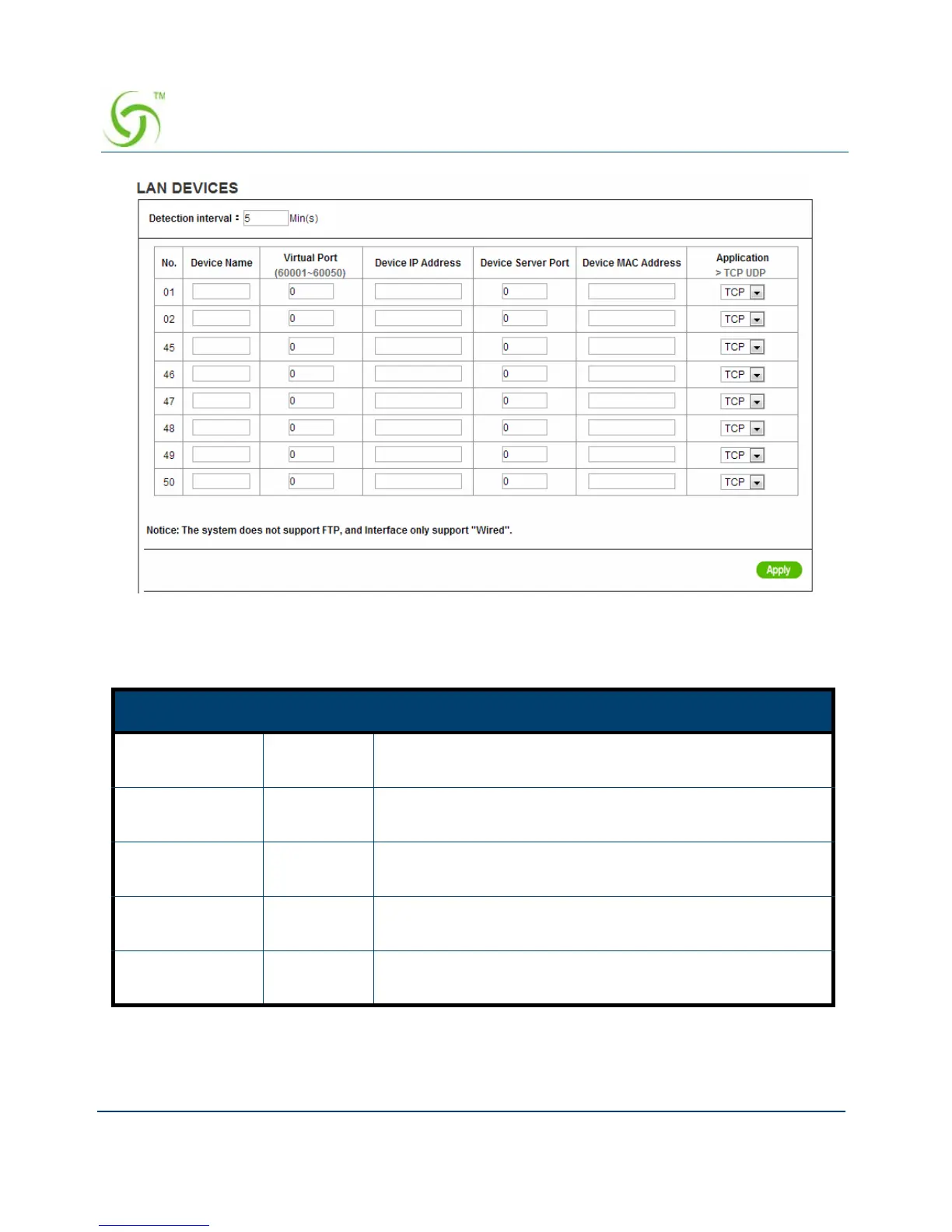
Figure 80 LAN Devices Setting Screen
Item Default Description
Polling Interval 5 Min. The default value is 5 minutes. The Polling Interval valid
range is 1 to 1440.
Device Name Empty The LAN device name. The maximum characters of the
device name are 20.
Virtual Port 0 The virtual port number valid range is 60001 to 60050 or
5900 to 5910.
Device IP
Address
Empty Enter the IP address of LAN device in the format
“xxx.xxx.xxx.xxx”
Device Server
Port
0 Enter the server port of LAN device.



 To Next Page