ACCESS GATEWAY
Configuring the Wireless Connect Gateway 97
Click Apply button to save the new settings.
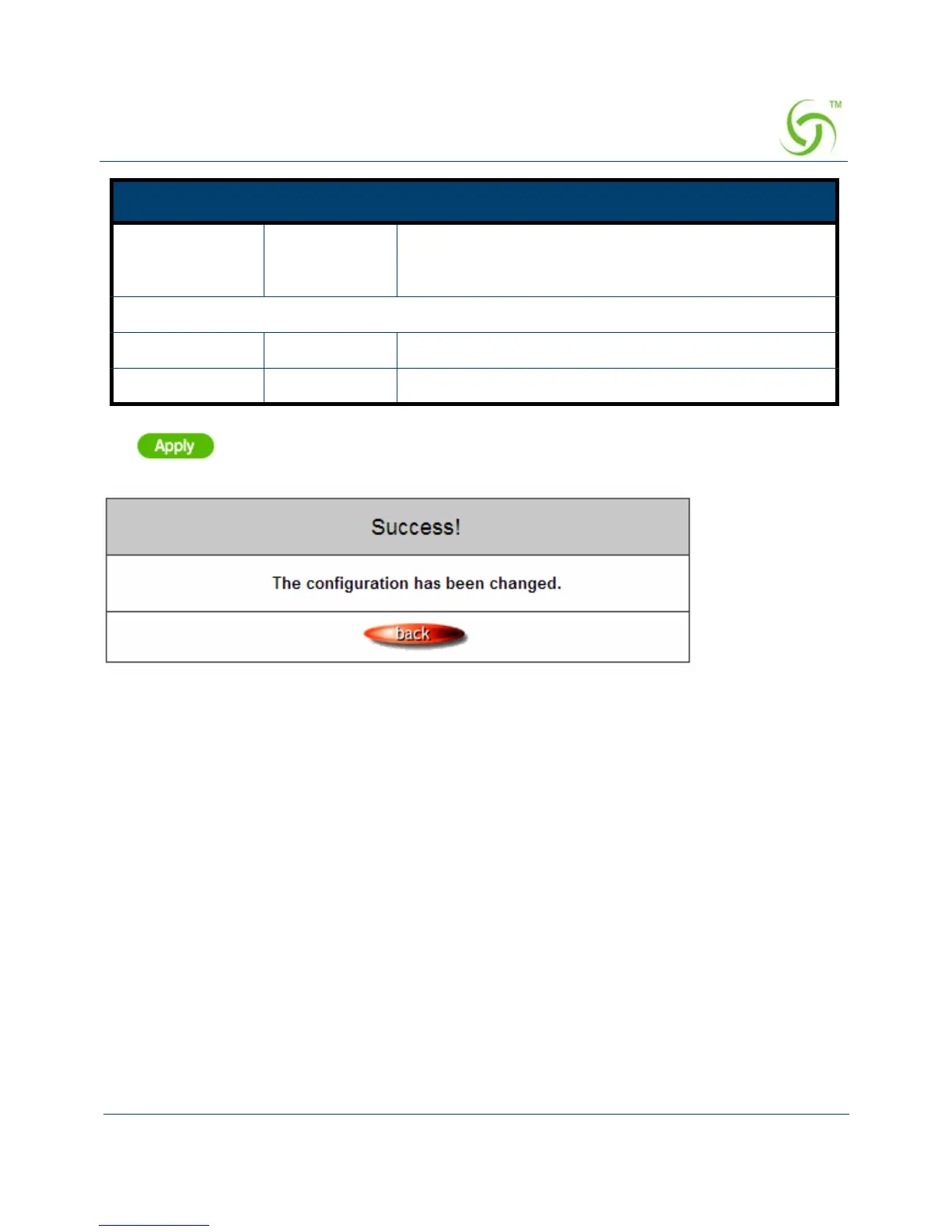
Figure 82 Success Dialog Box
Click Apply button, the success dialog box appears. Click on Back to return to Syslog setting
screen
Email Address Empty Enter your e-mail address. This is the address others
will use to send email to Email Address 1/Email Address
2.
Email To
Email Address 1 Empty Enter your first e-mail address to receive the logs.
Email Address 2 Empty Enter your second e-mail address to receive the logs.
Item Default Description



 To Next Page