7 Filling the tanks with processing and replenishment solutions
79
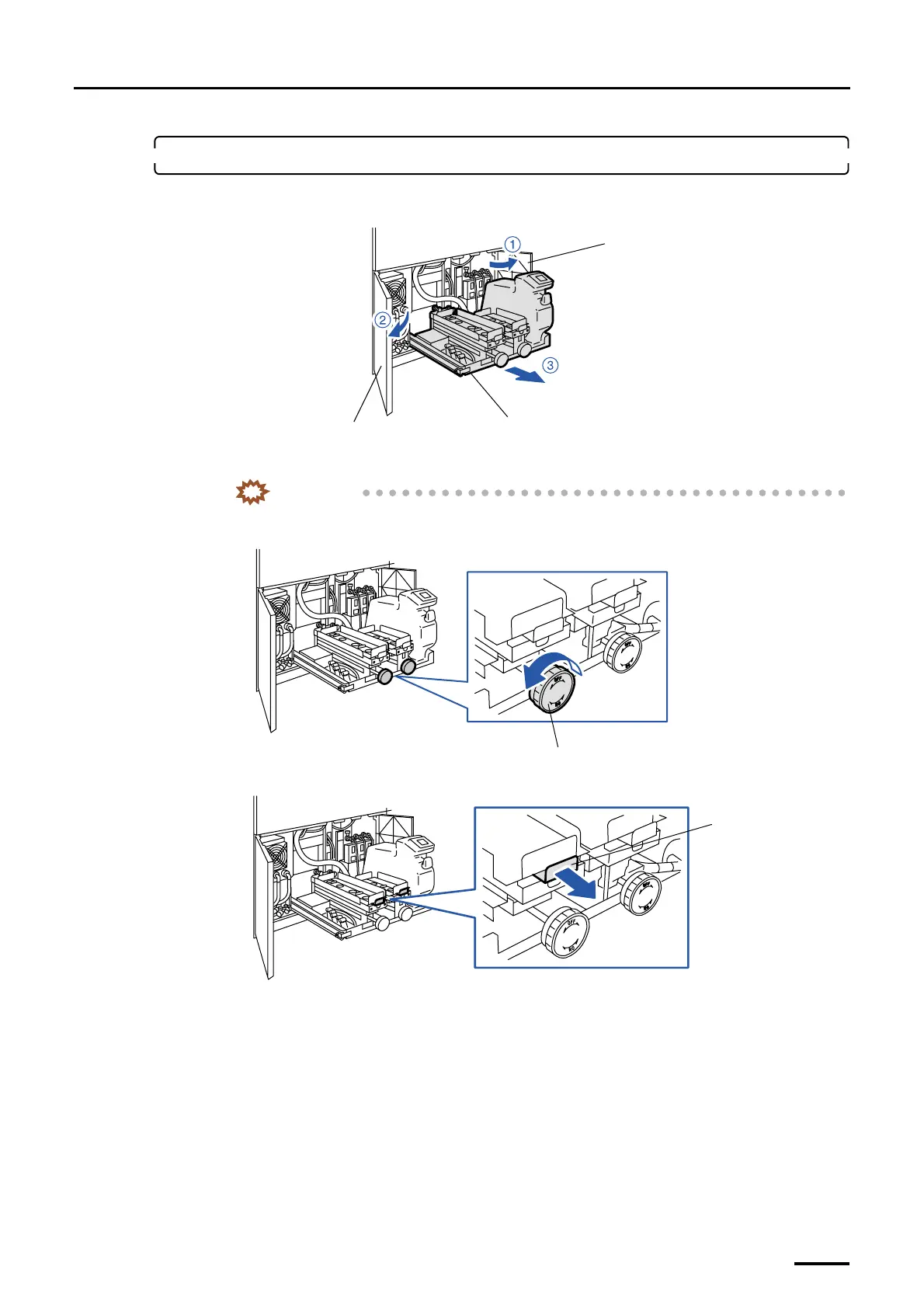
7. Attach the replenishment package.
(1) Open processor doors 1 and 2, then draw the replenishment package unit frontward.
(2) Turn the handle counterclockwise.
IMPORTANT
• Be sure to turn the handle fully counterclockwise so that the indication of OFF on the label
attached on the handle comes to the top.
(3) Pull the valve chuck toward you.
(4) Remove all the caps from the replenishment packages.
Replenishment package unit
Processor door 2
Processor door 1
G071413
Handle
G071392
Valve chuck
G071394
Distributed by: minilablaser.com


 To Next Page
 Loading...
