8 Miscellaneous work
84
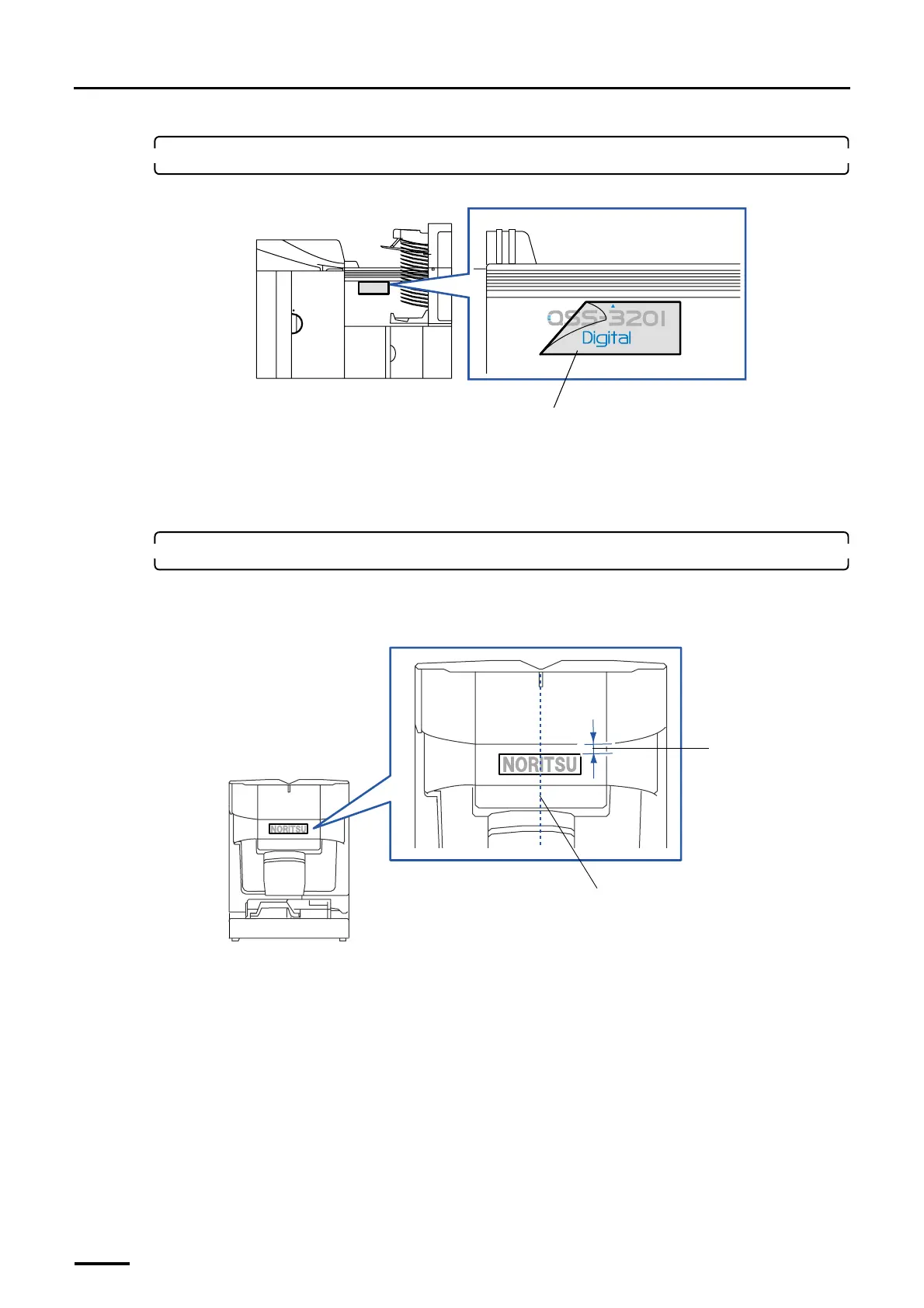
2. Peel the cellophane off the system label.
Do not peel off the characters on the label together.
8.4.2 Labels for NORITSU only
Attach Noritsu label (small) to the scanner and desk, Noritsu label (large) to the printer and Noritsu logo label to the
processor.
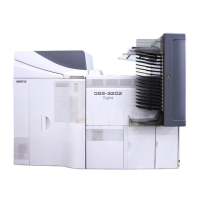
1. Attach the Noritsu label (small).
(1) Peel off the mount and attach the label to the scanner section.
This operation is necessary when the scanner has been equipped.
Cellophane
G072105
20 mm
Align it to the center and attach the label to the
machine.
G081090
Distributed by: minilablaser.com


 To Next Page