5 Installing the machine and adjusting the level
58
5.2 Connecting the printer and the paper processor and adjusting the
level
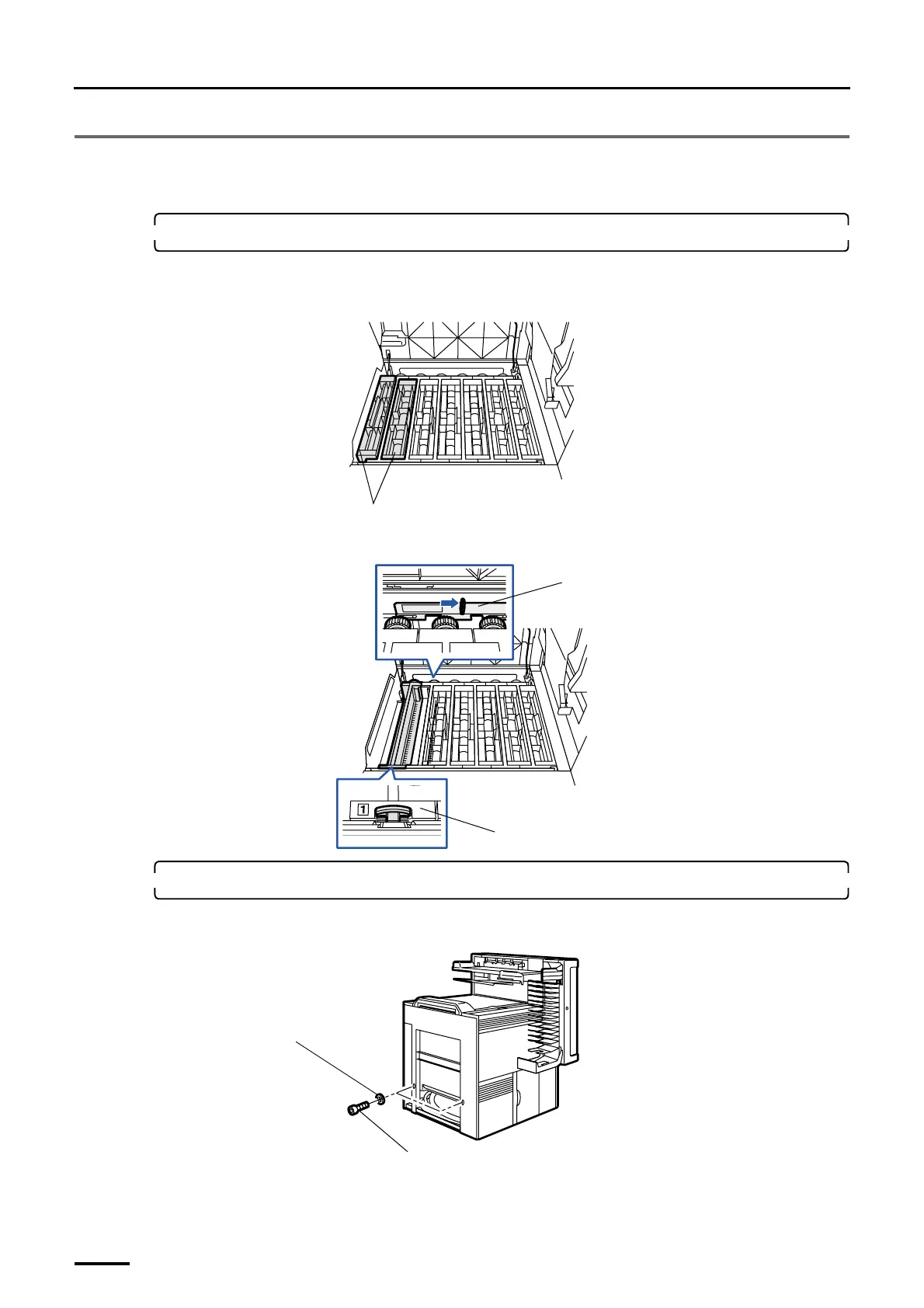
1. Remove the upper guides (Nos. 1 and 2) and the processing rack (No. 1).
(1) Remove the upper guides (Nos. 1 and 2).
Attach the upper guides after checking the processing solution level.
(2) Move the rack stoppers to release the lock and remove the processing rack (No. 1).
2. Prepare the bolts for connection and the like.
(1) Remove the two socket head bolts for connection and two washers from the paper processor.
Upper guides
G068909
Rack stopper
Rack stopper
G068910
Socket head bolt
Washer
G071467
Distributed by: minilablaser.com



 To Next Page