CRC200R USER GUIDE ISSUE 02
5-1
5 PROGRAMMING REFERENCE
This section is a step-by-step reference guide to programming each of the parameters of the
CRC200R. The order in which the procedures are described is based on the menu structure and is
not the order in which the CRC200R should be programmed. Please refer to section 0 for an
explanation of the installation programming procedure.
5.1 Program cards
The procedure to programme cards depends on the mode set in the configuration menu. Ensure
that you follow the procedure appropriate to the mode that you have set the CRC200R to.
5.1.1 Program Cards in Line Mode
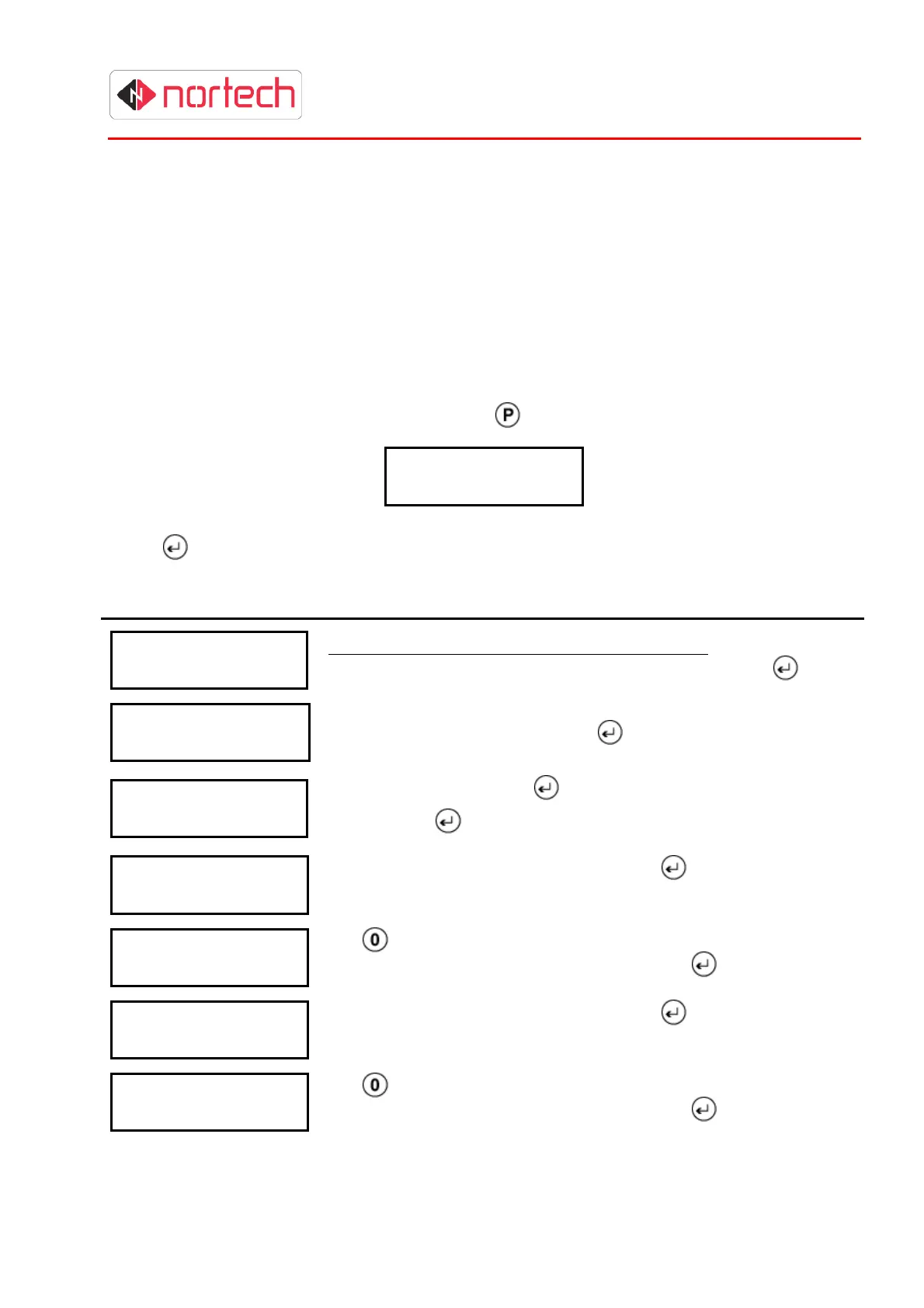
To programme cards, at the opening display press once. The following is displayed:
P
r
o
g
r
a
m
C
a
r
d
s
N
N
N
N
c
a
r
d
s
Where ‘NNNN’ = the number of cards currently in memory.
Press
and carry out the following procedure:
Display Action
P
r
o
g
r
a
m
C
a
r
d
s
S
i t e
:
This screen only appears when using W26 format.
The site code is
not required in other modes. Enter the site code and press
.
P
r
o
g
r
a
m
C
a
r
d
s
F
r
o
m
:
Enter the first card number & press
P
r
o
g
r
a
m
C
a
r
d
s
T
o
:
Enter the last card & press
.
(Simply press
if only one card is to be added).
P
r
o
g
r
a
m
C
a
r
d
s
R
d
r
1
T
Z
: 0
Enter the Time Zone for reader 1 and press
.
(see section 4.2.2.5)
P
r
o
g
r
a
m
C
a
r
d
s
C
a
p
t 1
n
o
Use
to toggle between ‘Yes’ or ‘No’ to indicate whether these
cards should be captured at reader 1 and press
P
r
o
g
r
a
m
C
a
r
d
s
R
d
r
2
T
Z
: 0
Enter the Time Zone for reader 2 and press
.
(see section 4.2.2.5)
P
r
o
g
r
a
m
C
a
r
d
s
C
a
p
t 2
n
o
Use
to toggle between ‘Yes’ or ‘No’ to indicate whether these
cards should be captured at reader 2 and press



 To Next Page