CRC200R USER GUIDE ISSUE 02
6-1
6 CRC200R COMMUNICATIONS
The CRC200R can be used in one of two modes:
• Stand-alone
• Online to a PC running Norpass2 Access Control Software.
6.1 Online to Norpass2
For real time output of card transactions or to enable the controller to be controlled via the software
the CRC200R must be connected to a PC via the USB to RS485 converter provided. See the on
screen help of the software for more information about the RS485 interface. Using the ‘Config’
menu in the CRC200R, configure each controller with a unique node identity (starting at ‘0’) and
set it to ‘ONLINE’ mode. Also see software on-screen help.
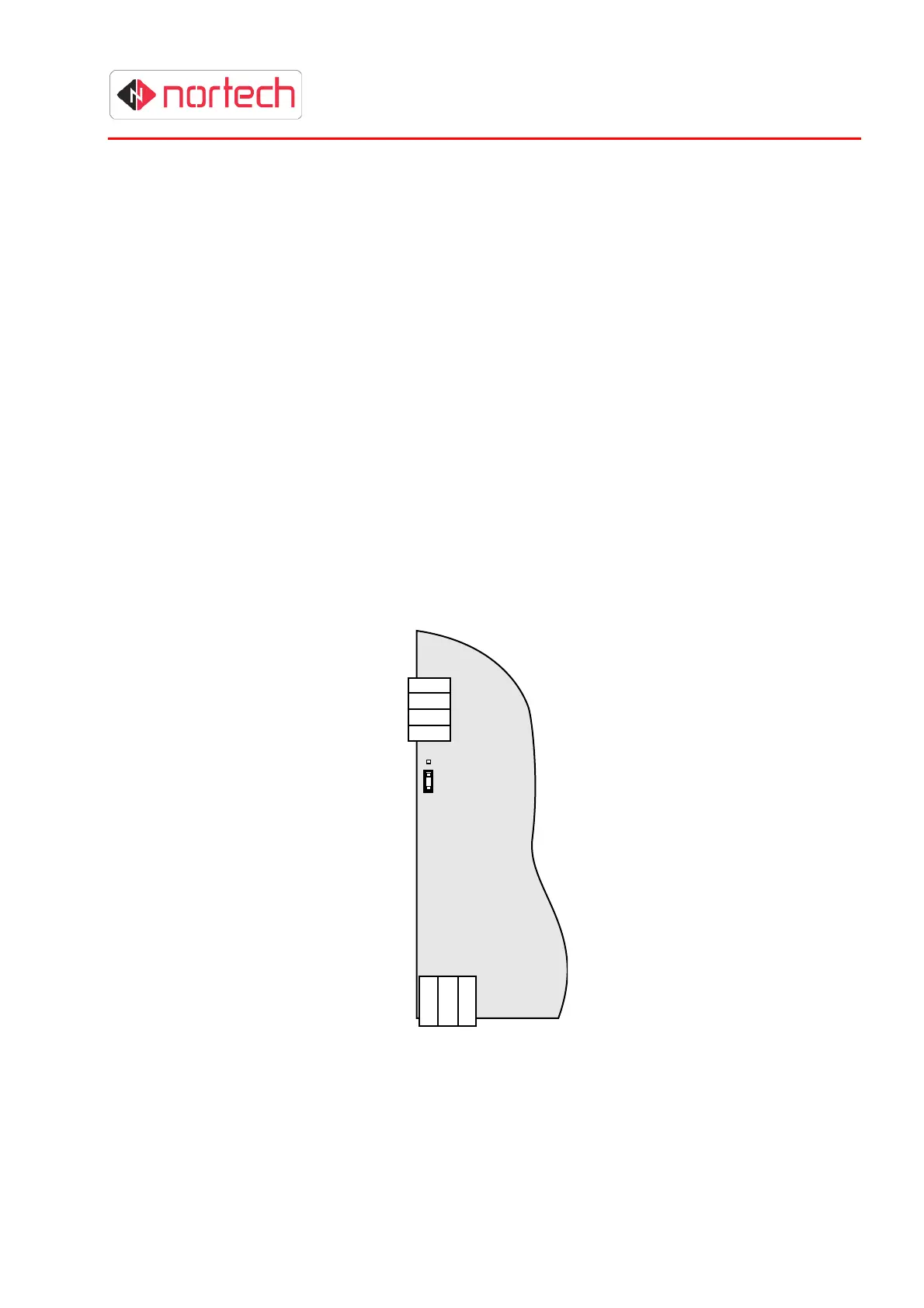
6.1.1 RS485 Connector and Protocol Selection link
To connect to Norpass2, the USB to RS485 converter supplied with Norpass2 must be wired the
RS485 connector of each CRC200 controller that it is to control. The jumper just below the RS232
connector at the side of the controller must be set to RS485 (bottom two pins), and the cable
terminated at the RS485 connector block (see below). Refer to Norpass2 online help for more
details on wiring the RS485 bus.
.
LINK SET TO
RS485
RS232
RS485
D+
D-
GND
GND
5v
Tx
Rx



 To Next Page