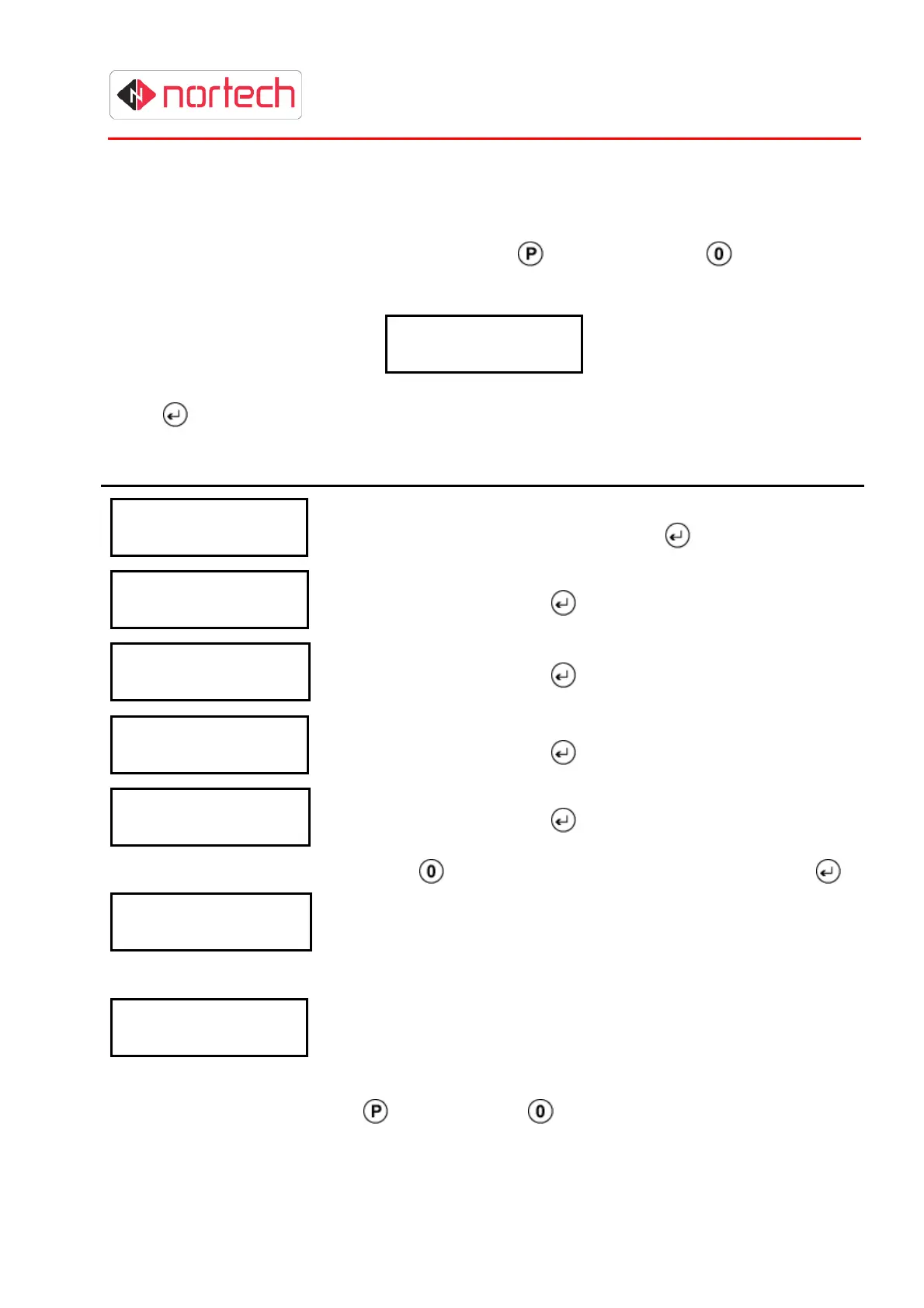
CRC200R USER GUIDE ISSUE 02
5-15
5.8 Timezones (Available only in Mode ‘210’)
This menu item is used for setting up the extended time zone features when in operating mode
‘210’. It is used in conjunction with ‘Access Levels’ (see section 5.9).
To reach this menu item from the initial display, press
once and then press repeatedly until
the following screen is displayed:
T
i
m
e
z
o
n
e
s
Press
and carry out the following procedure:
Display Action
T
i m
e
z
o
n
e
s
T
i m
e
z
o
n
e
: ?
Enter a one or two digit number between 2 and 16 to select the
time zone that you wish to set and press
.
T
i m
e
z
o
n
e
N
N
F
H
o
u
r
: x
x
Enter a 2-digit number for the ‘From Hour’ of the active period in
Time Zone NN and press
.
T
i m
e
z
o
n
e
N
N
F
M
i n
: x
x
Enter a 2-digit number for the ‘From Minute’ of the active period in
Time Zone NN and press
.
T
i m
e
z
o
n
e
N
N
T
H
o u
r
: x
x
Enter a 2-digit number for the ‘To Hour’ of the active period in
Time Zone NN and press
.
T
i m
e
z
o
n
e
N
N
T
M
i n
: x
x
Enter a 2-digit number for the ‘To Minute’ of the active period in
Time Zone NN and press
.
T
i m
e
z
o
n
e
N
N
M
o
n
: N
O
Use the
key to toggle between ‘’yes’ and ‘no’, then press
.
When set to ‘yes’, the active period set above will be active on
that day of the week (Monday in this case).
Repeat this sequence for each day of the week. Ignore ‘Hol’
(holiday) as this is not supported in the current build.
T
i m
e
z
o
n
e
s
T
i m
e
z
o
n
e
: ?
Once the time zone has been programmed, the next time zone
can be chosen and the above sequence repeated.
To escape from this menu, press
once and use the key to step to other menu items.



 To Next Page